HORST / SQL4HORST
Target: "Standard"
Graphical setup
Simple queries from the database can be realized in graphical programming.
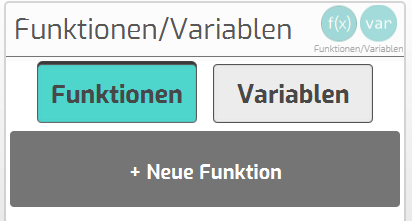
- A separate function is created for each query::
- Create new function
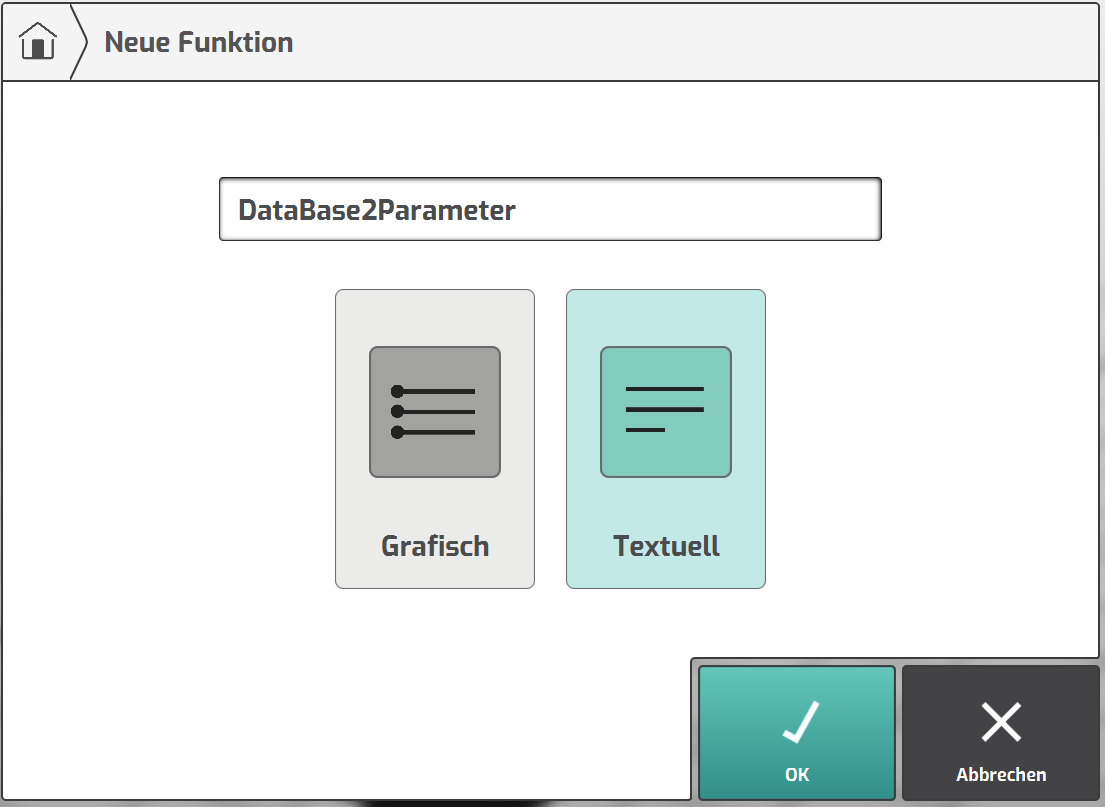
- Assign function name and select “Textuell”
- Insert code snippet from the sample project
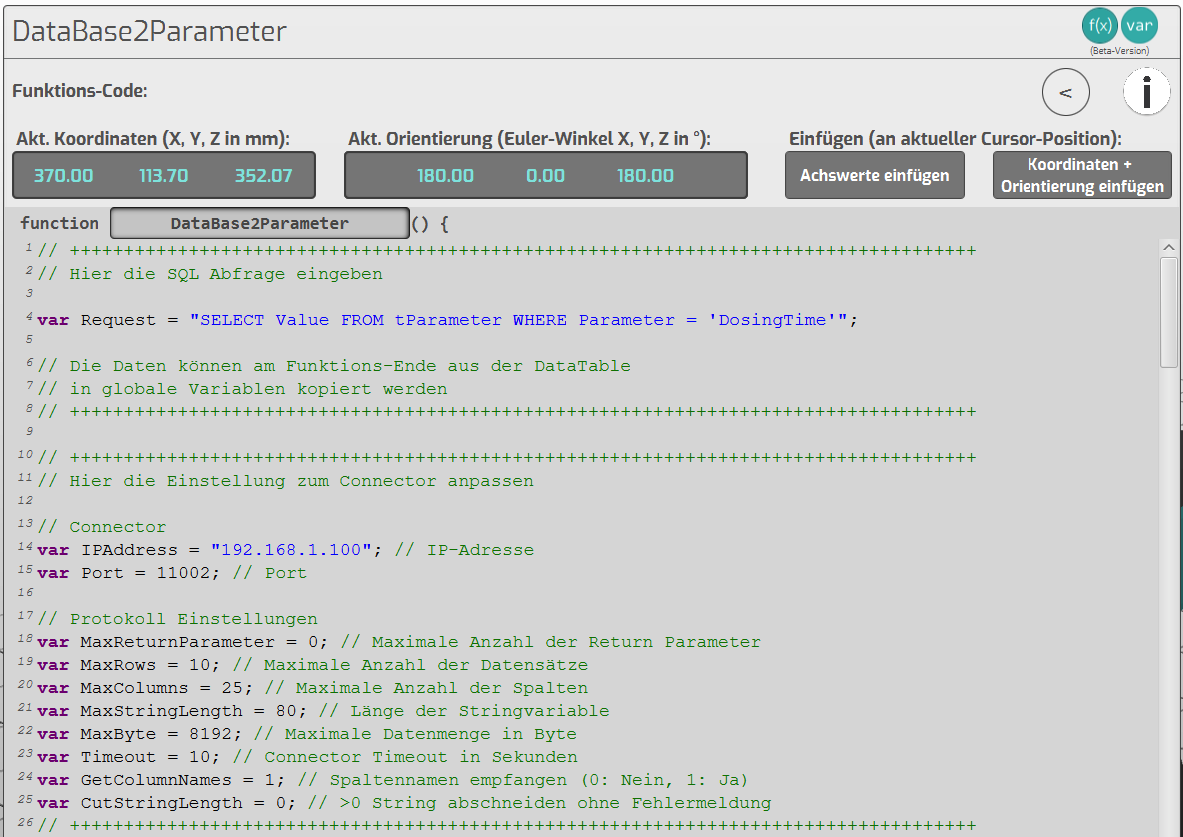
var Request Enter the sql request here
var IPAddress IP address of connector
var Port Port number of connector link
- After the query, the data is available in the form of a table.
The data is copied into the desired variables at the end of the function (line 270).
![DataTable[0..n][0..n] contains the data of the query. The first index is the record (Row)](/img/manual/image272.png)
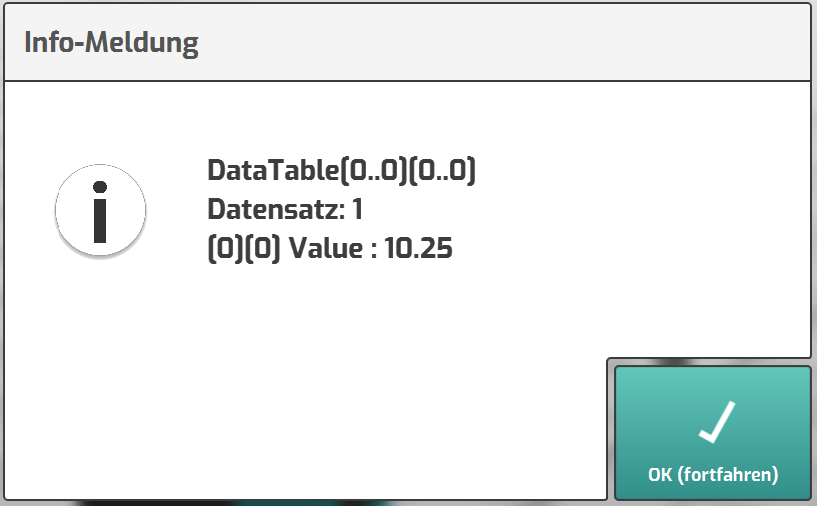
DataTable[0..n][0..n] contains the data of the query. The first index is the record (Row),
the second index is the column.
Ex.: DataTable[0][2] is the value from the 1st record in column 3
- Create variable for the target:
- Create new variable
- Select type and enter name
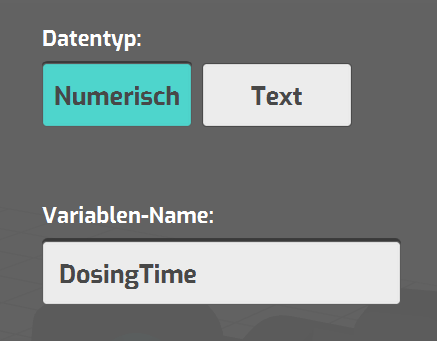
- Call SQL request from program:
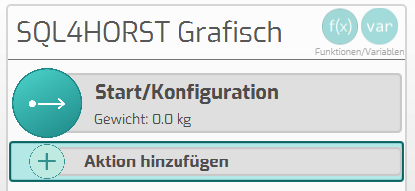
- Add new action
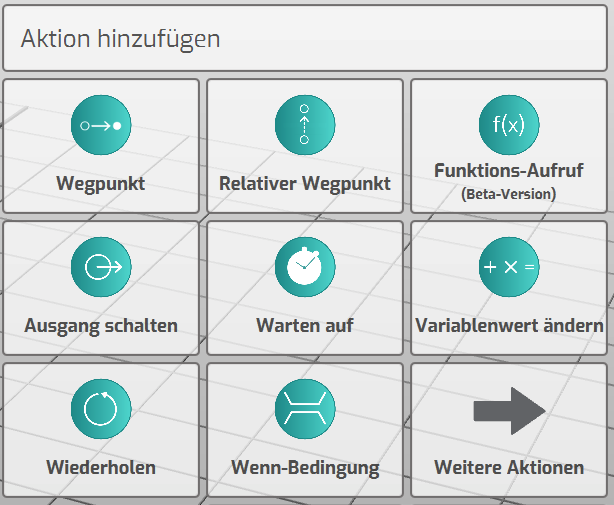
- Choose “Funktions-Aufruf”
- Select function and add to programm
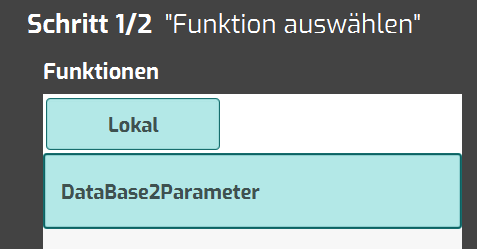
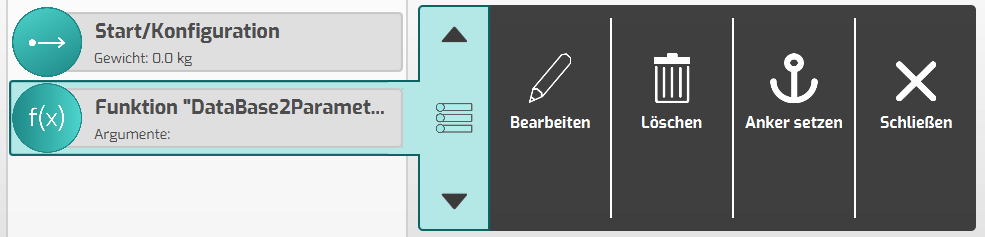
- Move function to right place in the flow
- Start program:
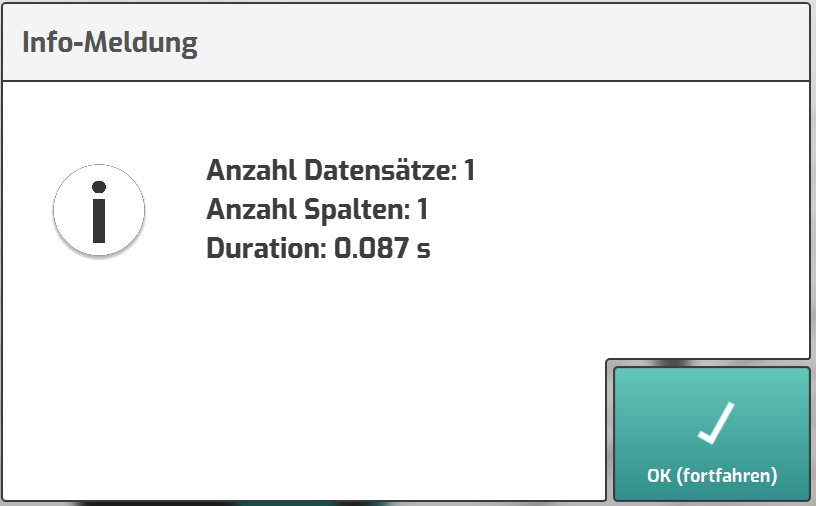
- The database query is executed without errors
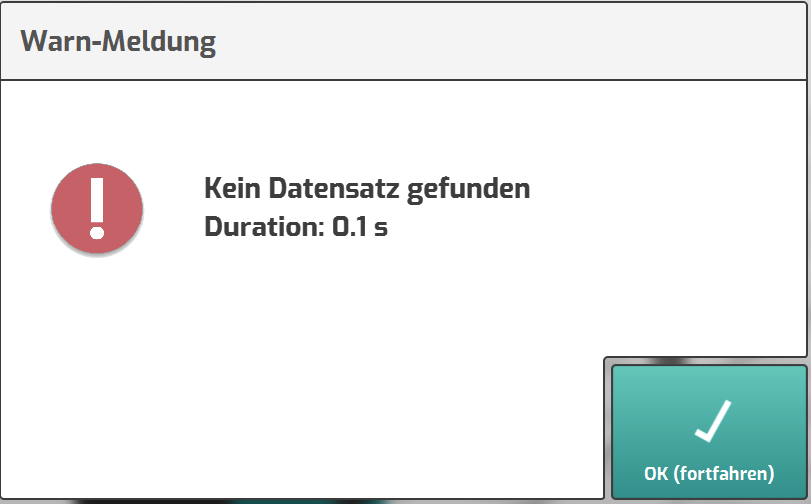
- The database query found no data
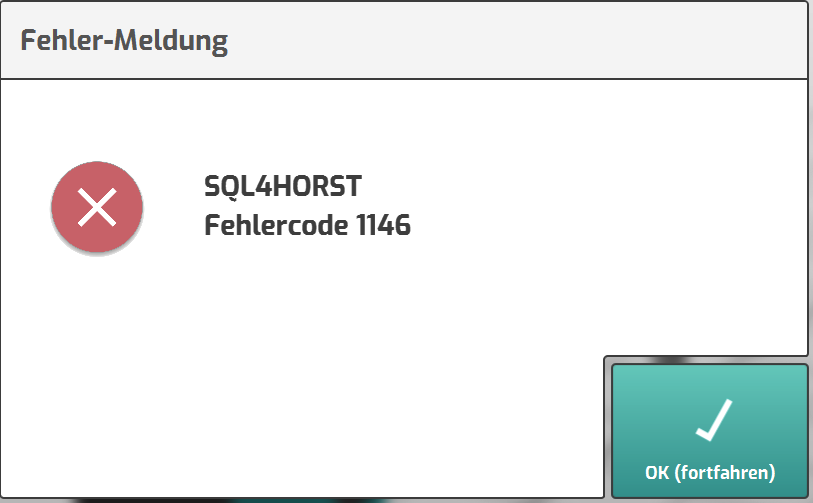
- The database query is incorrect
- Hide info messages for normal program flow
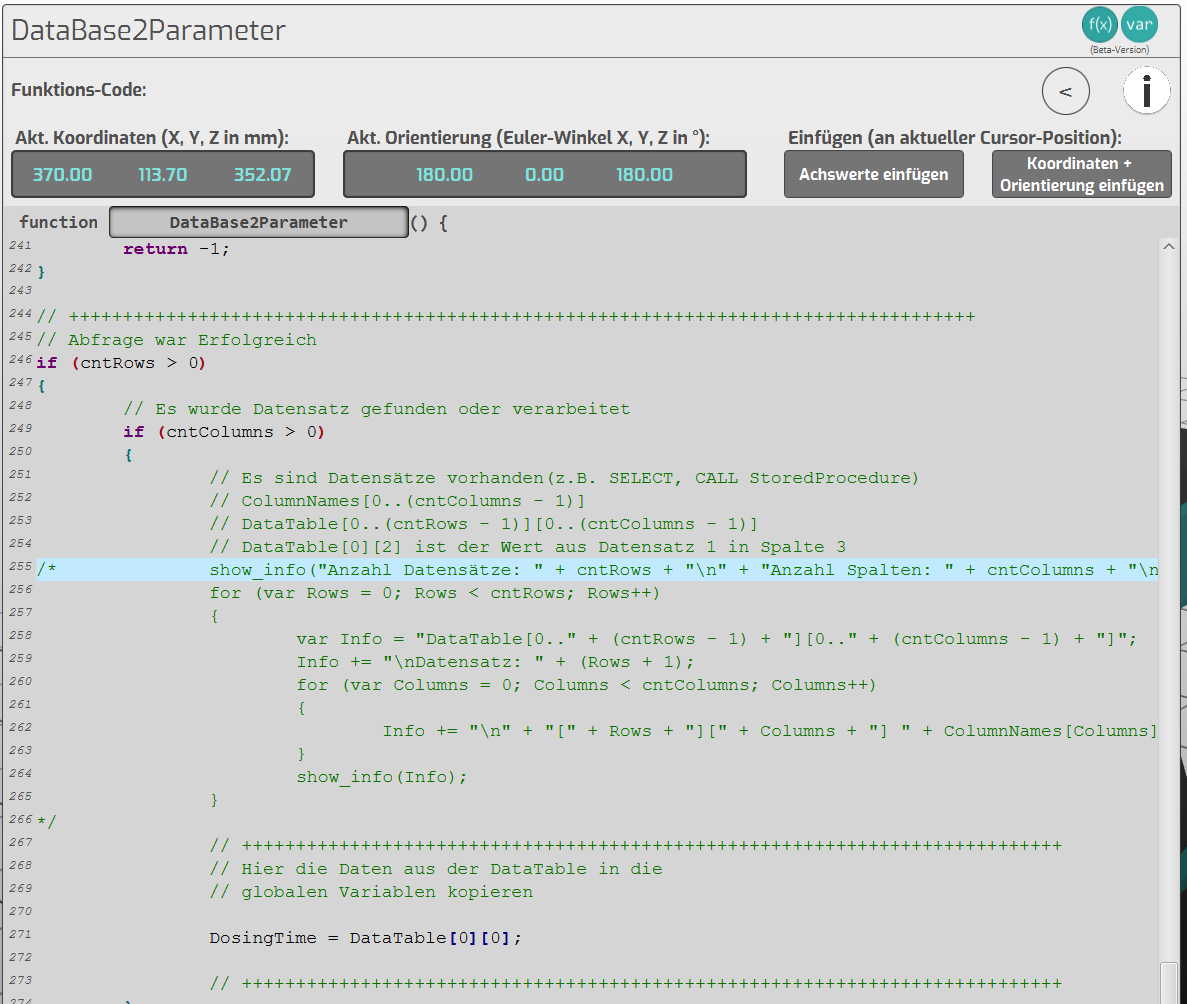
The lines in the function help to analyze the database query.
For the normal program flow these can be commented out.
All further messages in the function should remain active, so that a possibly occurring
error behavior is recognized.
Textual setup
For more extensive queries from the database it is recommended to create the program in textual mode.
- Paste code snippet from the sample project into the program::
- Insert variables at the beginning of the program
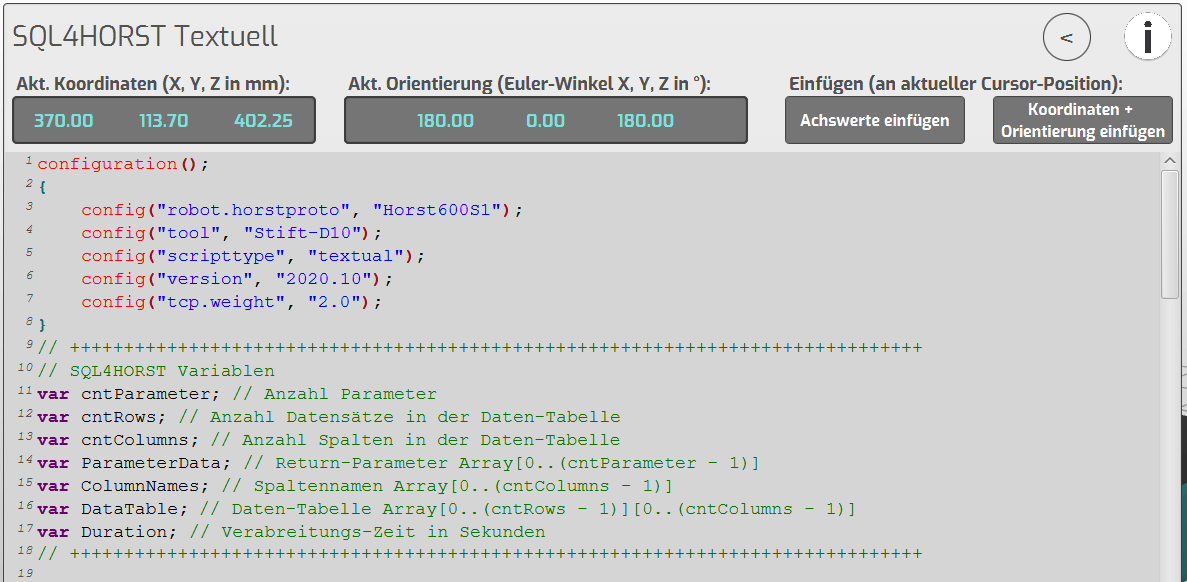
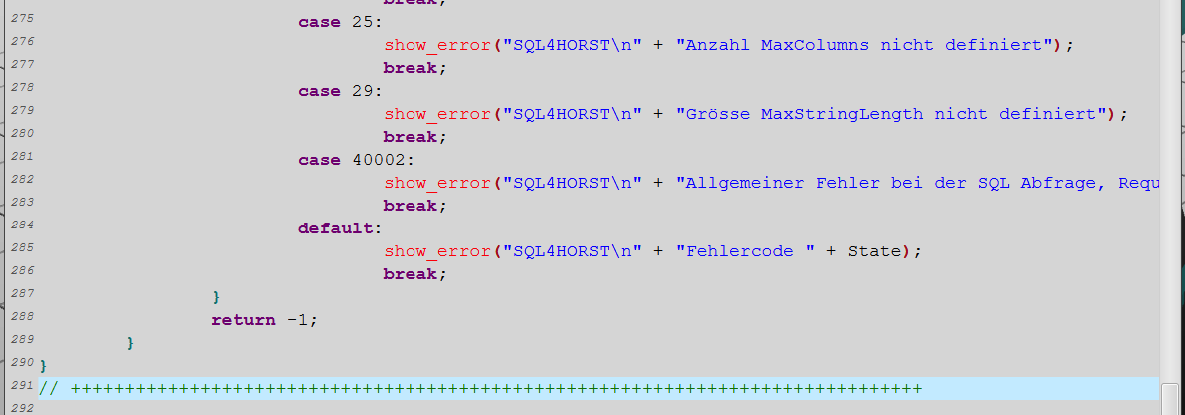
- Insert SQL4HORST function at the end of the program
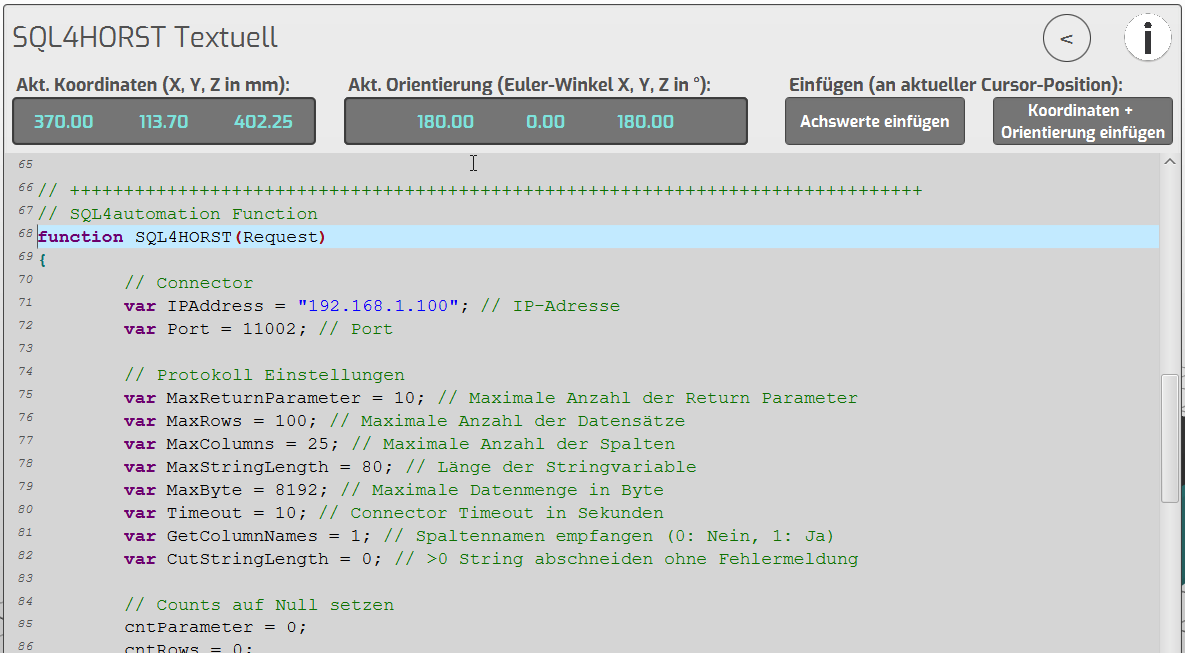
var IPAddress IP address of connector
var Port Port number of connector link
- Execute database query
- Insert database call at the desired position in the program

Pass the SQL query to the function when it is called. The function returns as return
information about the query.
- Evaluate returned data
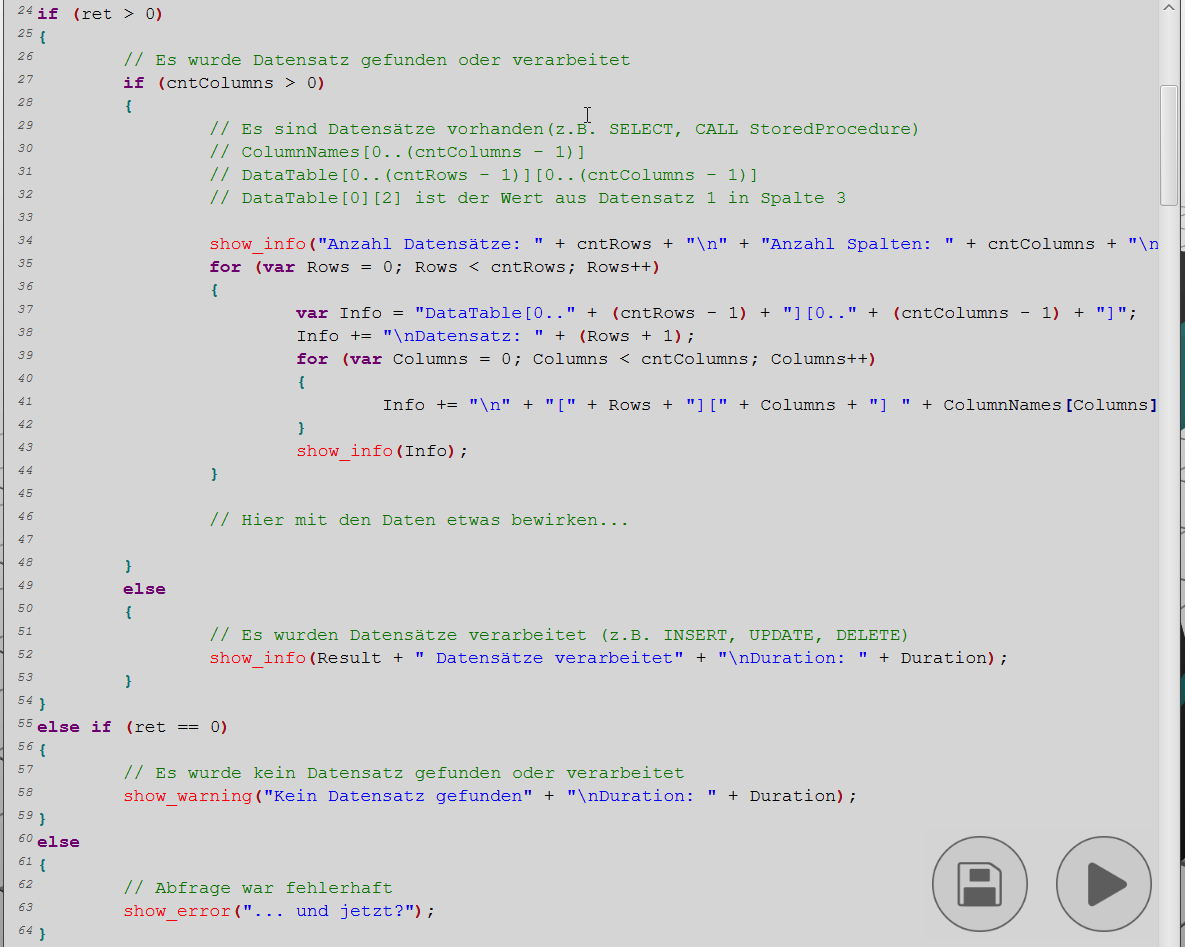
After the query, the data is available in the form of a table.
DataTable[0..n][0..n] contains the data of the query. The first index is the record (Row),
the second index is the column.
Ex: DataTable[0][2] is the value from the 1st record in column 3.
The data remains stored in the DataTable until a new query is executed.
- Start program
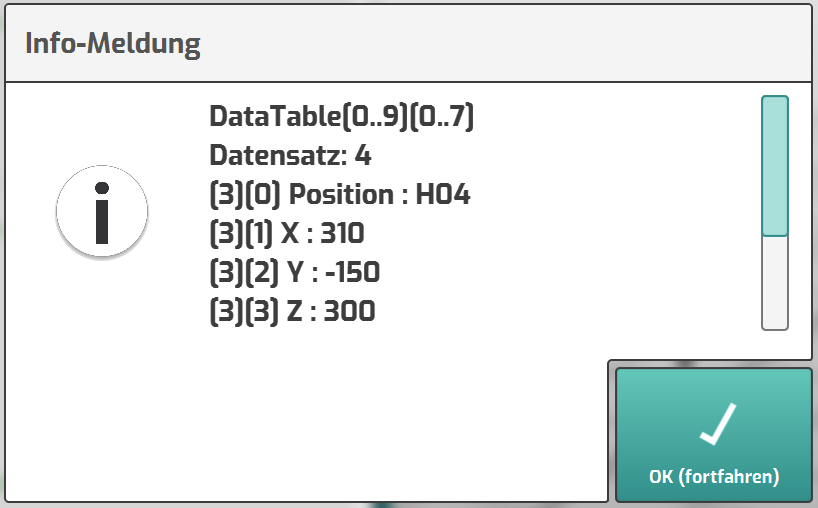
- The database query is executed without errors
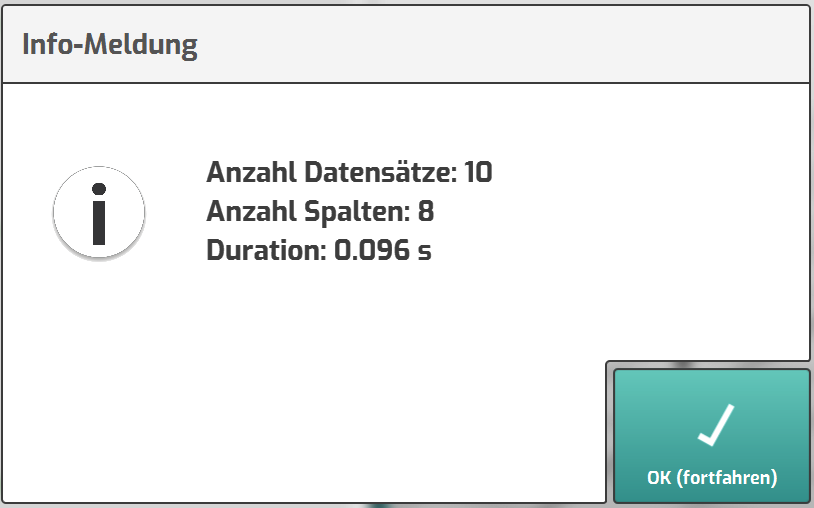
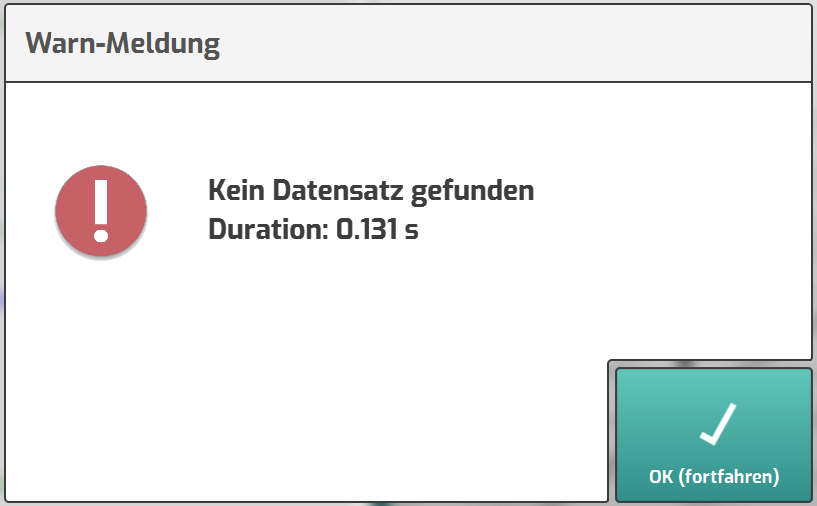
- The database query returned no data
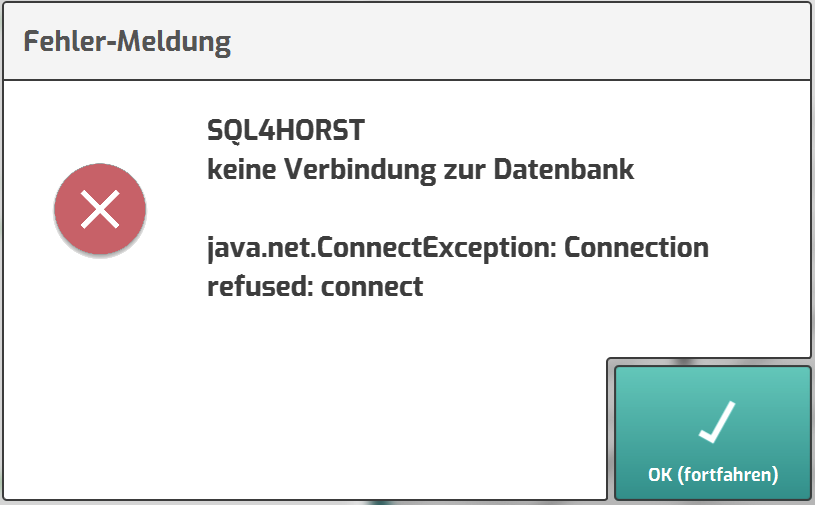
- The database query is incorrect
- Hide info messages for normal program flow
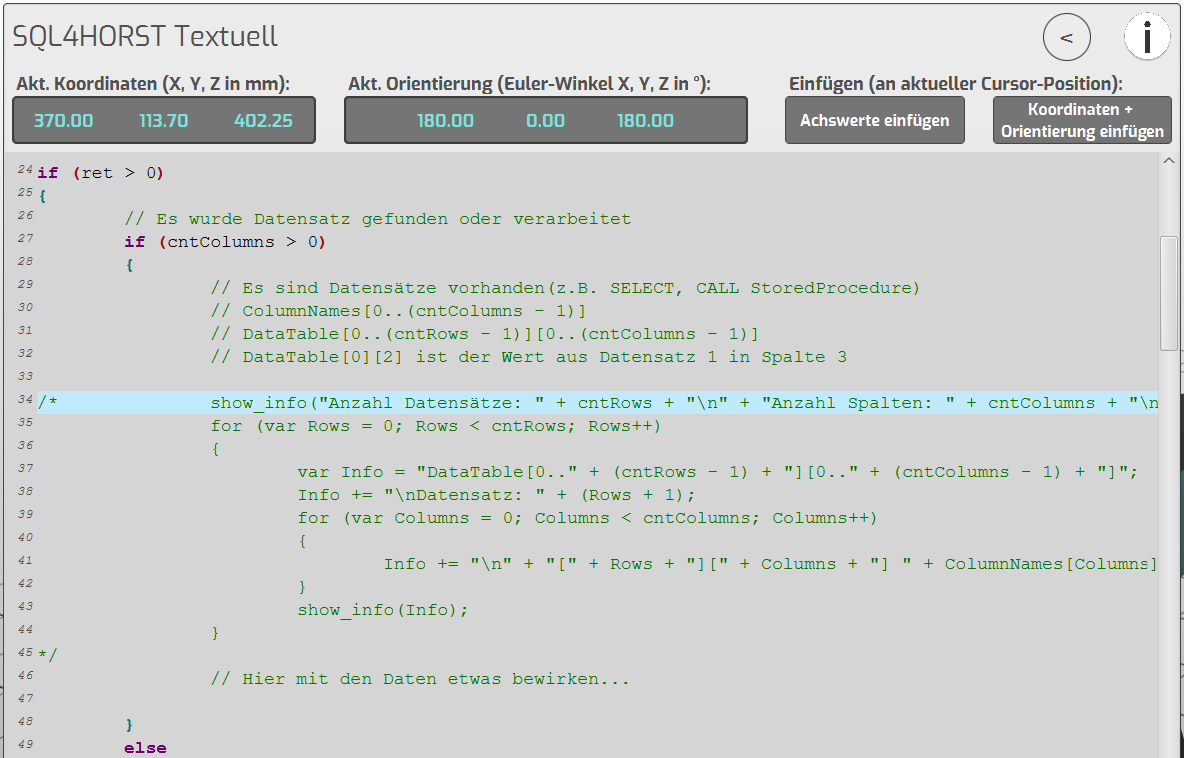
The lines in the function help to analyze the database query.
For the normal program flow these can be commented out.
All further messages in the function should remain active, so that a possibly occurring
error behavior is recognized.
Example project “SQL4HORST_MoveExample”
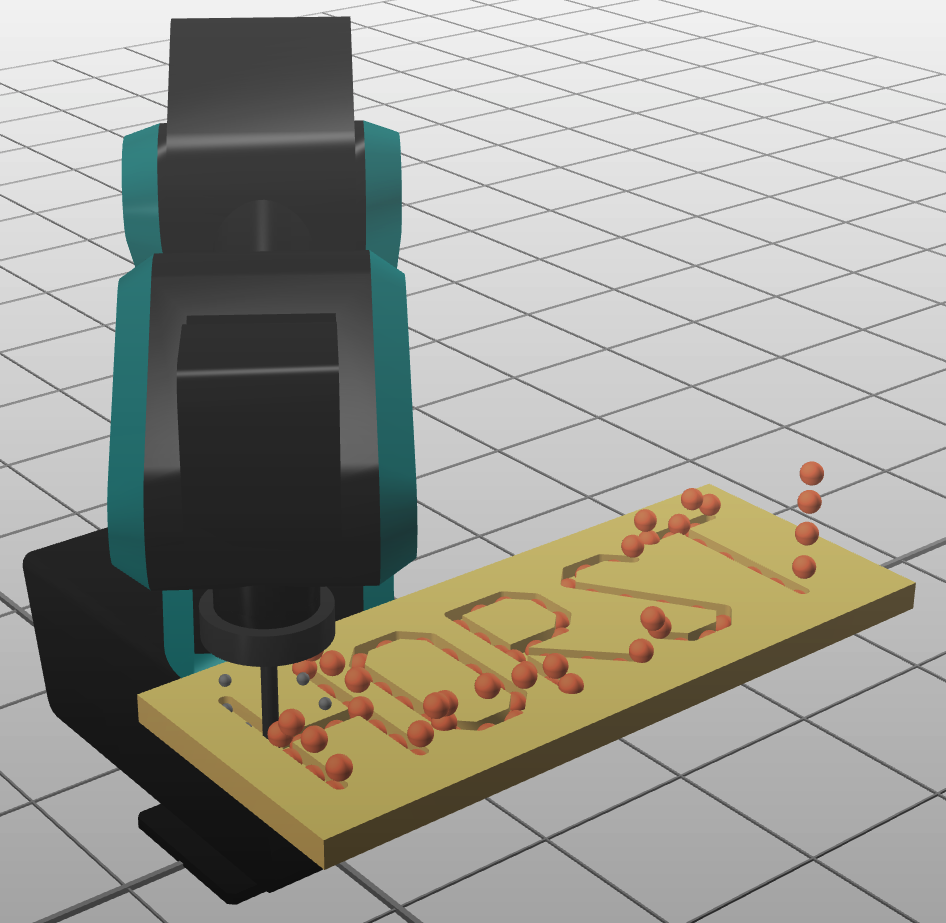
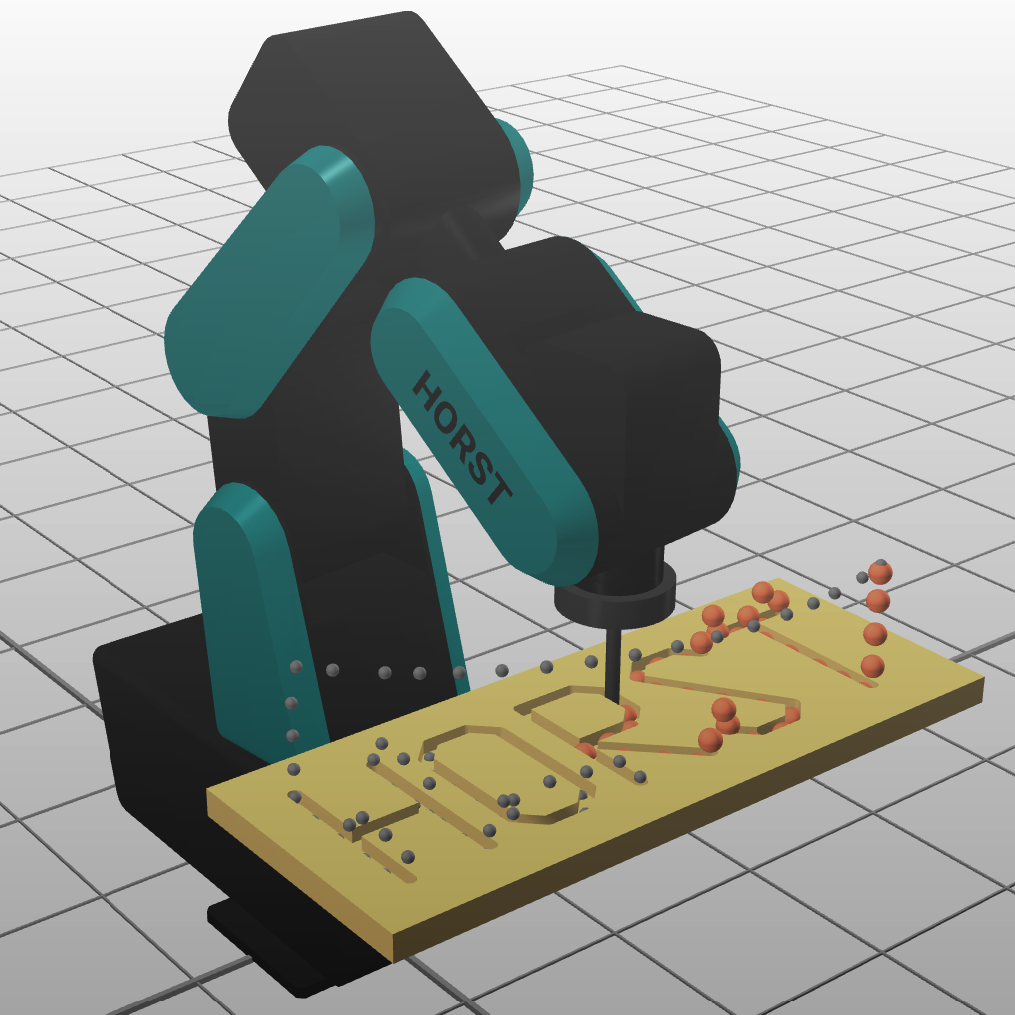
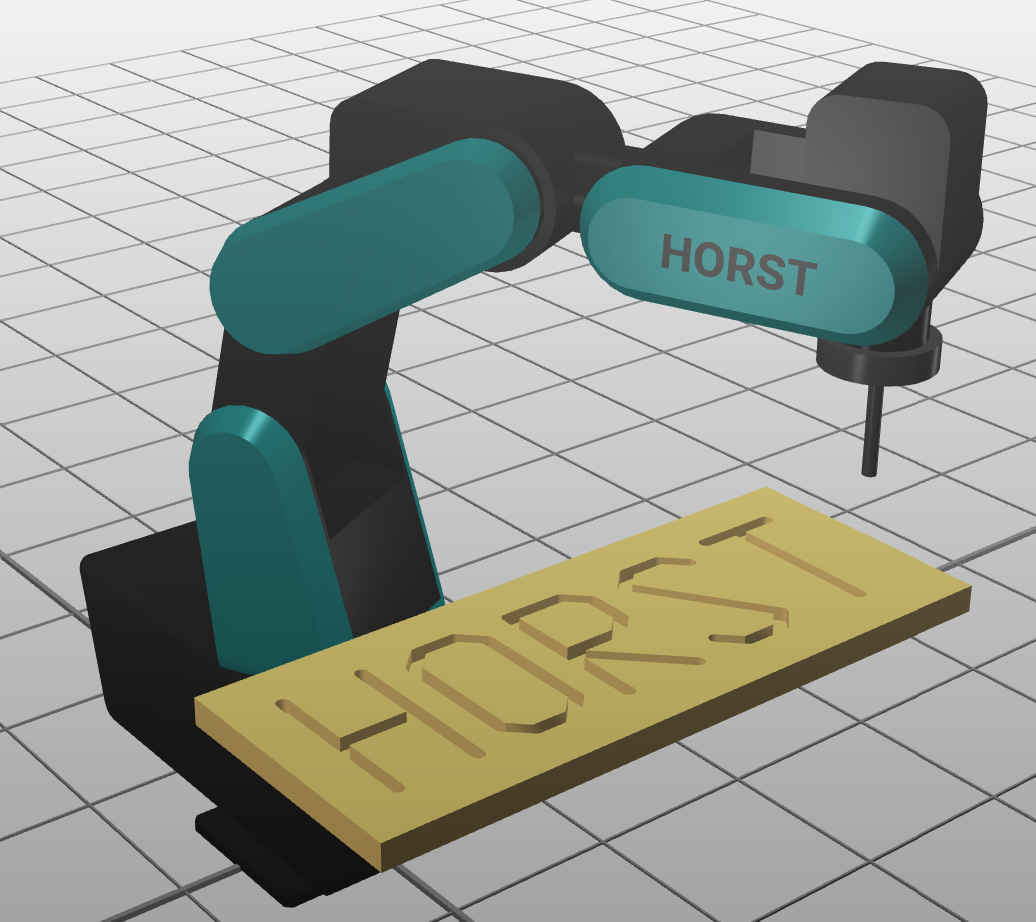
The example program SQL4HORST_MoveExample runs a path with any number of positions.
 |  |  |
|---|
Structure of database (MariaDB)
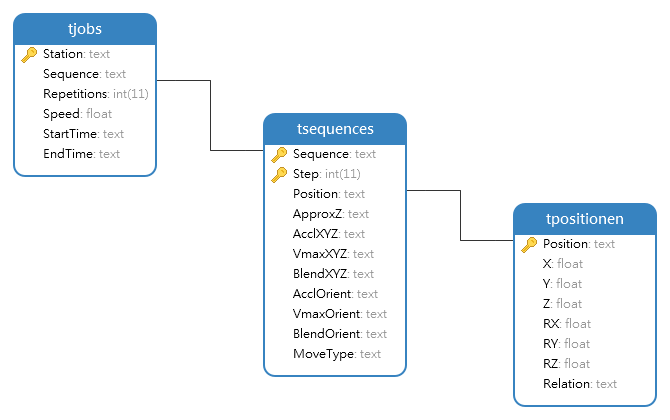
- The path points are created in the tPositions table.
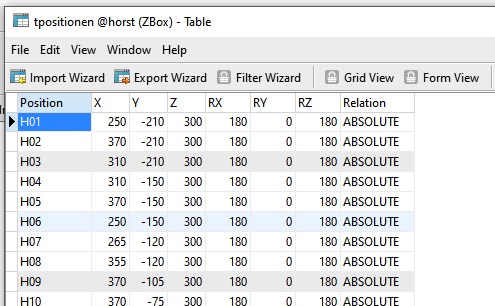
Each path point has a unique name (position), the X/Y/Z coordinates (in mm) and the Euler angles RX/RY/RZ (in degrees). Further it is defined in which relation the point stands (ABSOLUTE or RELATIVE).
- The sequence of the movement is created in the tSequences table.
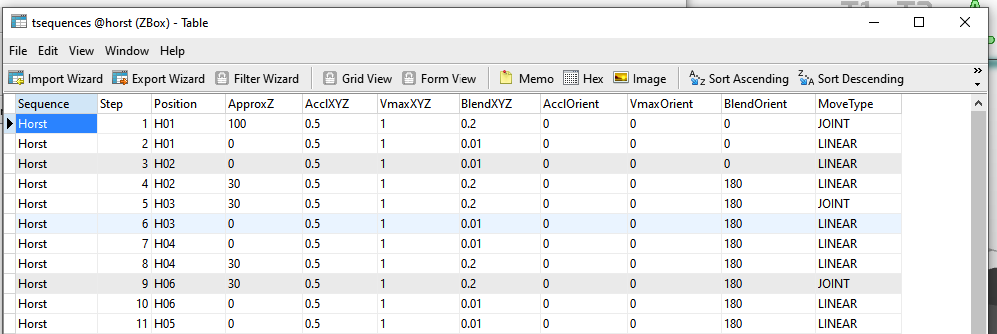
A motion sequence has a name (Sequence) and several steps (Step). For each step, the position to be approached is referenced with the name from the tPositions table. Information like the offset position in Z-direction (ApproxZ), the acceleration (Accl..), velocity (Vmax...) and the blending (Blend...) and the way the point is approached (MoveType) are added.
- The table tJobs contains the executed jobs
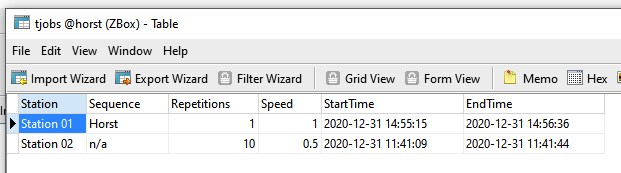
Each robot (station) has a job (sequence). With Repetitions the sequence can be executed several times. In addition, a global speed can be defined for the entire sequence.
At the end of the execution, the robot should enter the start time and end time for the execution of the movement into the table.
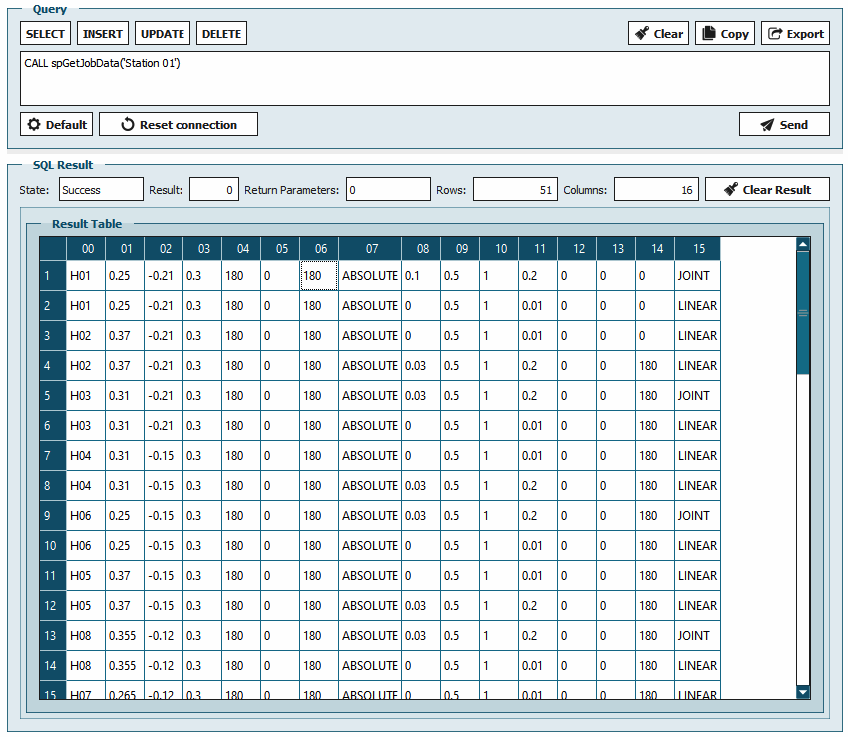
- One of the main advantages of an SQL database is the possibility to create procedures in the database.
Reference of the three tables
Sort by step number
Filter by station
Conversion from mm to meter for HORST
The spGetJobData procedure provides us with all the necessary information from the three tables, summarized in a response, by specifying the station.
Structure of program
-
In the first part the global variables are created.
-
The Station variable is used to store the station name of the robot, which is used several times.
-
The first SQL query determines the number of repetitions and the speed for the current job.
Es wird genau 1 Datensatz erwartet
-
The second query reads all the transaction data for the current job.
-
If data are available, they are moved in a repeat loop with the MovePos function.
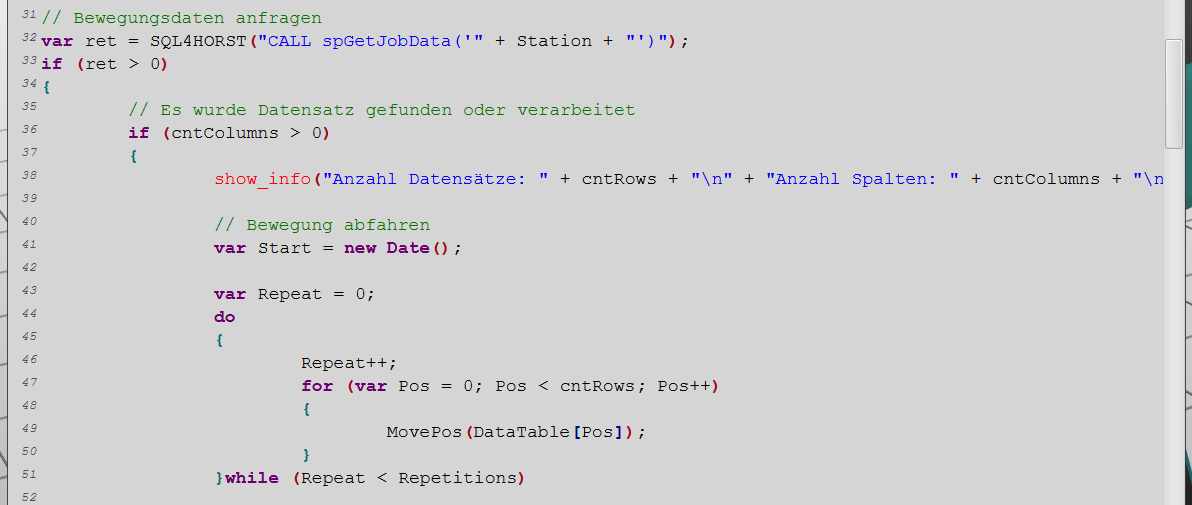
- The MovePos function is passed one data set at a time
Offset position calculation in Z direction
Column values from the data set with type conversion
Speed from the first query
Column values from the data set
-
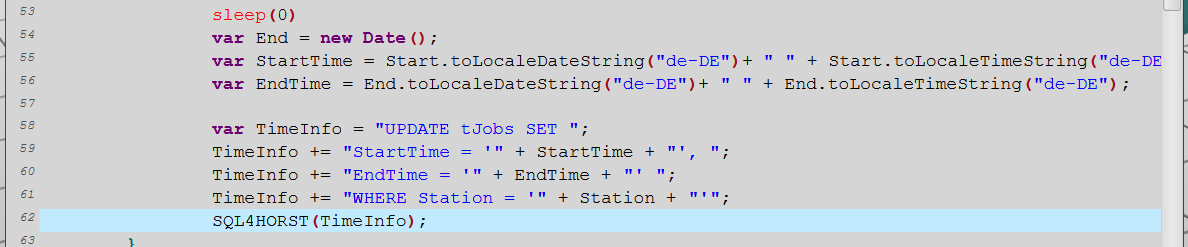
Before and after the movement the date and time is stored (var Start, var End).
-
Both times are formatted and entered into the tJobs table with the third query.
\