CODESYS V2.3 / SQL4CODESYS
Target: "Standard"
Requirements
The SQL4CoDeSys.lib library uses the sockets-function of the CoDeSys library SysLibSockets.lib, which must be also added in the project in the library manager.
The sample project can be executed on the CODESYS Soft-PLC “PLCWinNT”, or on a Hardware PLC. However, it is required that the control system has a TCP/IP connection, and that it supports the SysLibSockets.lib.
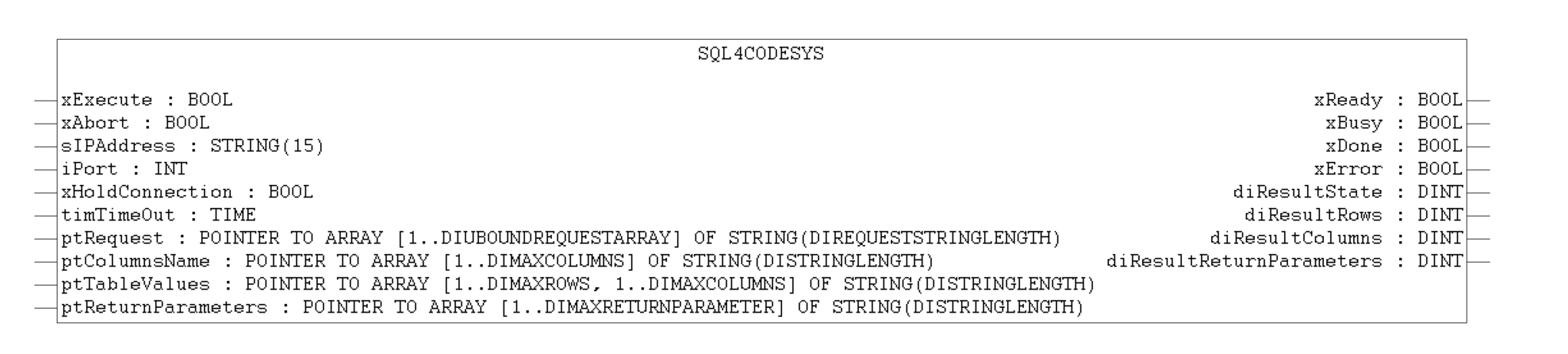
Function Block
Global Constants
Some global constants can be adjusted for project-specific purposes. Depending on the size of the data to be read or written, the array sizes are configured here. These global parameters are declared in your project (GVL_SQL4CoDeSys). Upon applying changes here, the complete project must be retranslated.
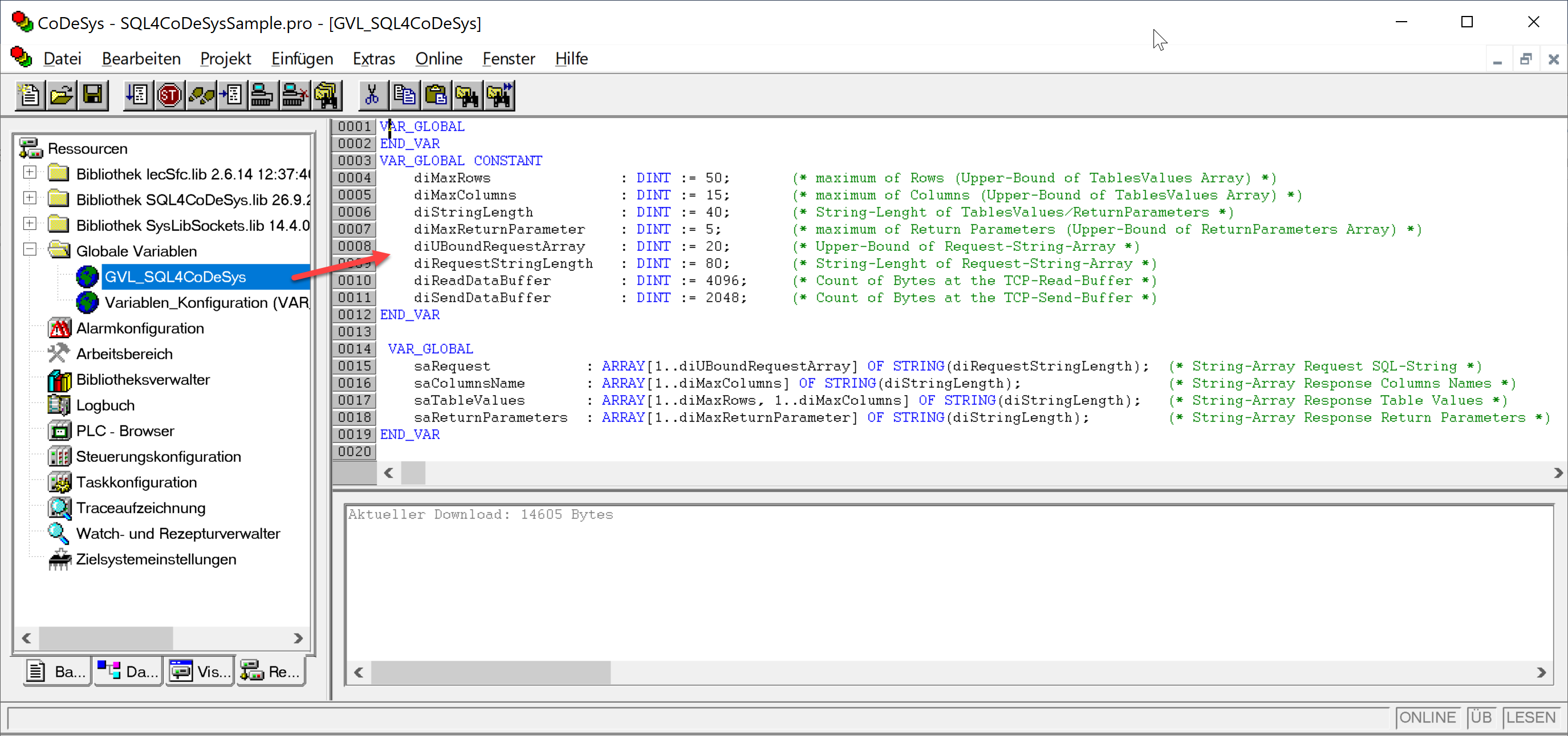
VAR_GLOBAL CONSTANT
    diMaxRows             : DINT := 50;   (* max. Number Datasets, from Table-Array *)
    diMaxColumns          : DINT := 15;   (* max. Number Columns, from Table-Array *)
    diStringLength        : DINT := 40;   (* String-Length in the Table-Array *)

    diMaxReturnParameter  : DINT := 5;    (* max. Number Return Parameter, from Return Parameter-Array *)
    diUBoundRequestArray  : DINT := 20;   (* UpperBoundary Request-String-Array *)
    diRequestStringLength : DINT := 80;   (* String-Length Request-String-Array *)
    diReadDataBuffer      : DINT := 4096; (* max. Number Bytes of Read-Buffer *)

    diSendDataBuffer      : DINT := 2048; (* max. Number Bytes of Send-Buffer *)
END_VAR
Global Variables
VAR_GLOBAL
    saRequest          : ARRAY[1..diUBoundRequestArray] OF STRING(diRequestStringLength); (* Request-Array *)
    saColumnsName      : ARRAY[1..diMaxColumns] OF STRING(diStringLength);                (* ColumnsName-Array *)
    saTableValues      : ARRAY[1..diMaxRows, 1..diMaxColumns] OF STRING(diStringLength);  (* Values-Array *)

    saReturnParameters : ARRAY[1..diMaxReturnParameter] OF STRING(diStringLength);        (* Return Parameter-Array *)
END_VAR
Instance / Interface
Creating the instance of the SQL4CoDeSys-Target-Library and creating local variables.
DB_Connection            : SQL4CoDeSys; (* Instance of SQL4CoDeSys Function Block *)

xExecute                 : BOOL;        (* Start Database request *)
xAbort                   : BOOL;        (* Reset *)
sIPAddress               : STRING(15);  (* Set IP-Address of the SQL4automation-Connector *)
iPort                    : UINT;        (* Set Port-Number of the SQL4automation-Connector *)
xHoldConnection          : BOOL;        (* Holds Socket connection open after Database request *)
timTimeOut               : TIME;        (* Timeout *)
xReady                   : BOOL;        (* Ready for Database request *)
xBusy                    : BOOL;        (* Database request in process *)
xDone                    : BOOL;        (* Database request completed *)
xError                   : BOOL;        (* Database request resulted in an Error *)
diResultState            : DINT;        (* Status Database request / Error number *)
diResultReturnParameters : DINT;        (* Num. returned Return und Output Parameter from the DB request *)
diResultRows             : DINT;        (* Num. returned Rows from the Database request *)
diResultColumns          : DINT;        (* Num. returned Columns from the Database request *)
Opening the instance in the program and assigning local variables.
sIPAddress := '192.168.1.20'; (* IP address which is set in the Connector *)
iPort := 11001;

DB_Connection( xExecute            := xExecute,
               xAbort              := xAbort,
               sIPAddress          := sIPAddress,
               iPort               := iPort,
               xHoldConnection     := xHoldConnection,
               tTimeOut            := timTimeOut,
               pRequest            := ADR(saRequest),
               pColumnName         := ADR(saColumnsName),
               pTableValue         := ADR(saTableValues),
               ptReturnParameters  := ADR(saReturnParameters),
               xReady              => xReady,
               xBusy               => xBusy,
               xDone               => xDone,
               xError              => xError,
               diResultState       => diResultState,
               diResultReturnParameters => diResultReturnParameters,
               diResultRows        => diResultRows,
               diResultColumns     => diResultColumns );
Handshake
The handshake is conducted in accordance with the handshake of the StandardProtocol. The StandardProtocol is described under Standard Protocol.
Error Codes Return-Value
The variable “diResultState” describes the error.
| Error Number | Error Description |
|---|---|
| 1 | Unknown SQL Command |
| 2 | Request returns more datasets than defined by diMaxRows, modify request or increase diMaxRows |
| 3 | Request returns more columns than defined by diMaxColumns, modify request or increase diMaxColumns |
| 5 | Request returns minimal one value that is bigger than defined by MaxStringLength, modify request or increase MaxStringLength |
| 10 | Internal Connector error |
| 11 | Internal Connector error, cannot open database |
| 21 | No IP-address defined/ sIPAddress=’’ |
| 22 | No port number defined / uiPort=0 |
| 23 | Request string is empty/ pRequest (1)=’’ |
| 24 | Number MaxRows not defined / diMaxRows=0 |
| 25 | Number MaxColumns not defined / diMaxColumns=0 |
| 26 | Pointer to TableValues-Array is not defined |
| 27 | Pointer to ColumnsName-Array is not defined |
| 28 | Pointer to Request-Array is not defined |
| 29 | Size MaxStringLength not defined / diStringLength=0 |
| 30 | Pointer to ReturnParameter-Array is not defined |
| 41 | No connection to SQL4automation-Connector established. Turn off Firewall. |
| 50 | Sending the complete request string has failed. Please check your connection or the TCP buffer of your system. |
| 51 | Request string is greater than the send buffer. (diSendDataBuffer) |
| 71 | Connection to the SQL4automation-Connector cannot be closed |
| 99 | Timeout |
| >100 | Error numbers of the ODBC database connection (some known error numbers are attached) |
| 40002 | General error during SQL request, request string is invalid |
Sample Project SQL4CoDeSysSample
In the sample project SQL4CoDeSysSample.pro, the SQL4CodeSys library has already been integrated.
The project can be tested on the CODESYS Soft-PLC “PLCWinNT”, for example. The connector must be started, and the connection to the sample library “S4A_Test_DB.mdb” must be configured.
How to configure the connection to the test database is described under Setting up the connection to the test database.
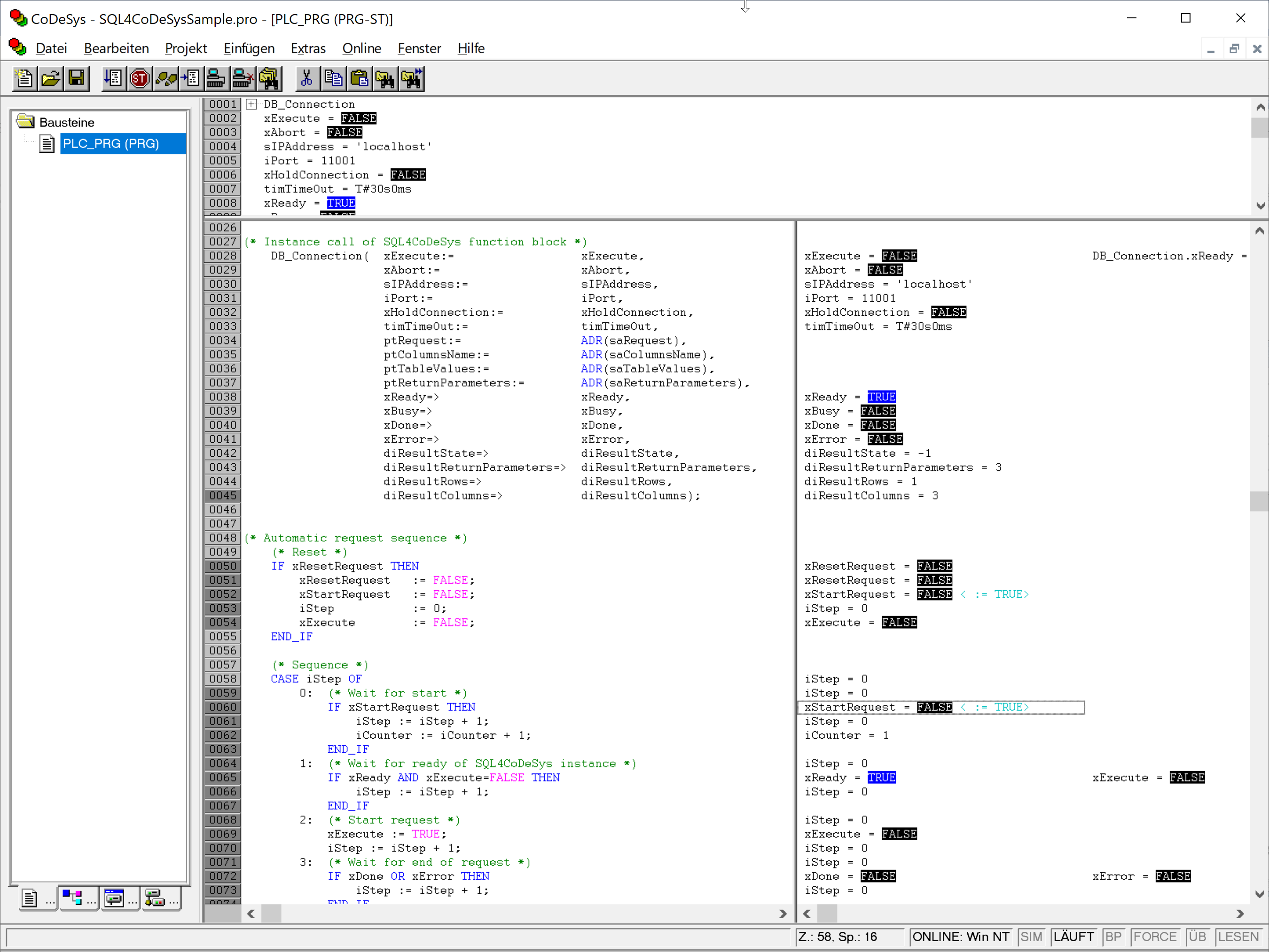
By forcing xExecute, the program can be tested. In the case of an error, the connection can be reset by forcing xAbort. By forcing the variable xStartRequest, an automated execution of a database request can be performed.
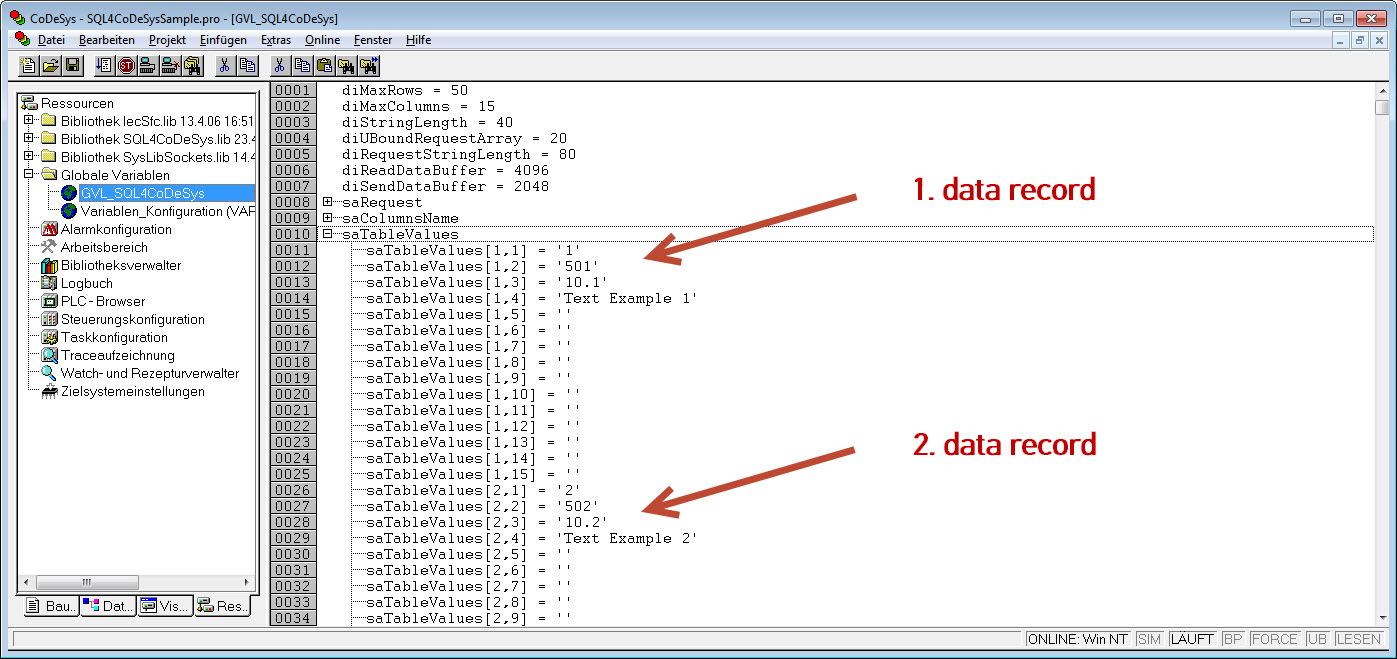
As soon as the request has been successfully completed, the received data records are located in the global variables.