ABB Robotics / SQL4Rapid
Target: "Standard"
SQL4Rapid consists of two program modules. SQL4Rapid, the actual module block which establishes the connection to the SQL4automation Connector, and main1, the example for how to integrate the SQL4Rapid program module.
Requirements
The Robot control system or the Offline system must be equipped with the following options:
841-1 EtherNet /IP M/S
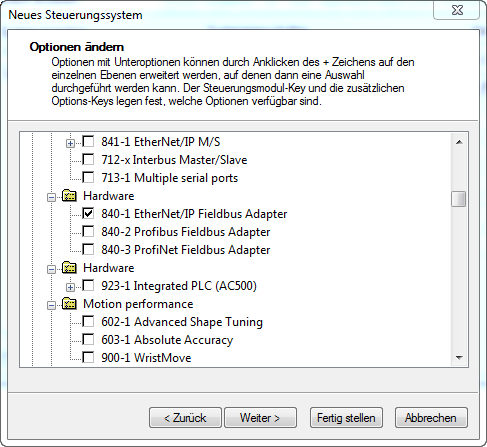
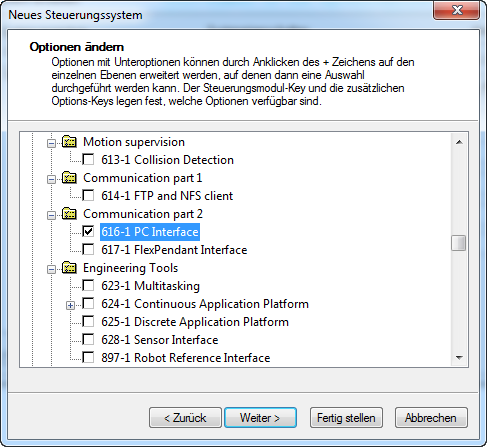
616-1 PC Interface.
Variables to be defined
LOCAL CONST num nMaxRows           :=50;          ! max Number of Datasets, from Table-Array
LOCAL CONST num nMaxColumns        :=20;          ! max Number of Columns, from Table-Array
LOCAL VAR   string strTableValues{nMaxRows,nMaxColumns}; ! Table of results
LOCAL VAR   string strColumnsName{nMaxColumns};   ! Column names
LOCAL CONST num nBoundRequestArray :=10;          ! Maximum Index of the Request_String-Array
LOCAL VAR   string strRequest{nBoundRequestArray};! Request-String-Array
LOCAL VAR   num nResultState;                     ! Status / Error message of request
LOCAL VAR   num nResultRows;                      ! Number of received Datasets
LOCAL VAR   num nResultColumns;                   ! Number of received Columns
LOCAL VAR   string strIP :="127.0.0.1";           ! IP address of the Connector
LOCAL VAR   num nPort :=11001;                    ! Port of the connection
LOCAL VAR   bool xHoldConnection;                 ! Holds the connection open between several queries.
LOCAL VAR   socketdev Socket;                     ! Socket for the connection
Executing the Sample Project
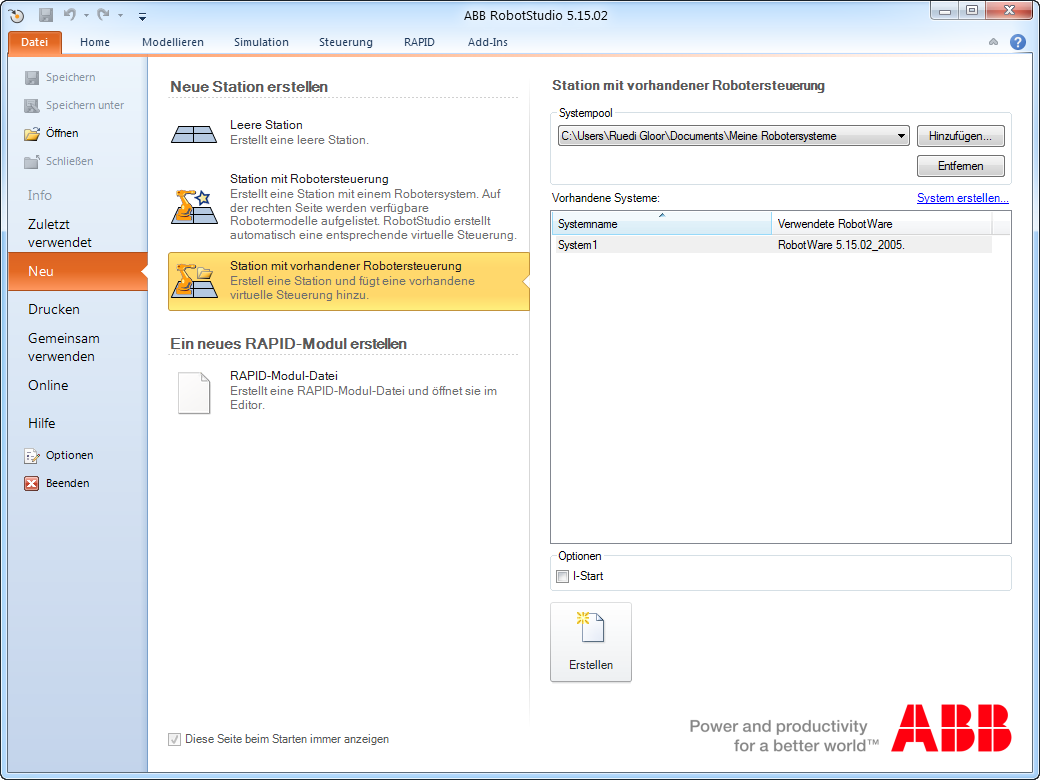
Under Control – Create System, create a new system with the options 840-1 EtherNet /IP M/S and 616-1 PC Interface. Create a new station, and select the created system.
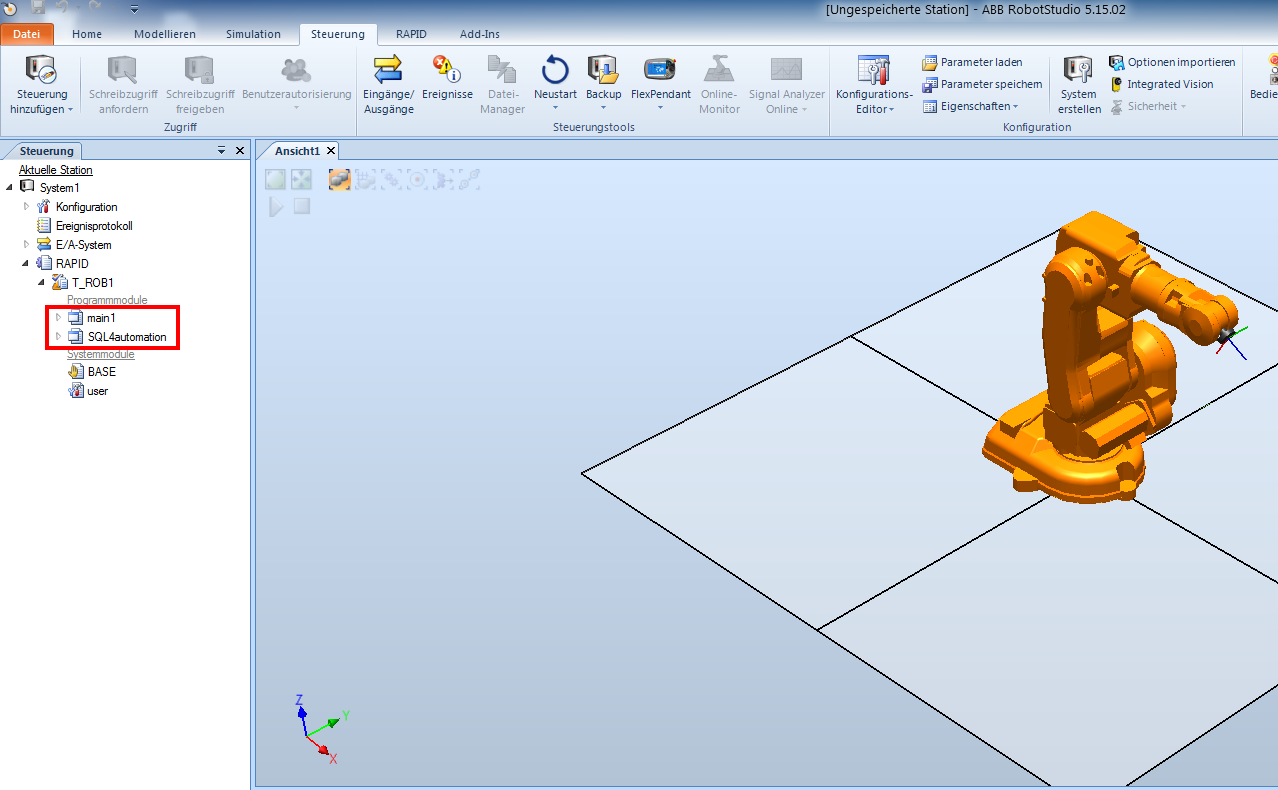
Under Control – Program module, add the modules “main1” and “SQL4Rapid”.
Configure the SQL4automation Connector as described in 3 Configuring the SQL4automation Connector
and configure the connection to the S4A_Test_DB.mdb. The configuration of the connection to the database is described in Setting up the connection to the test database.
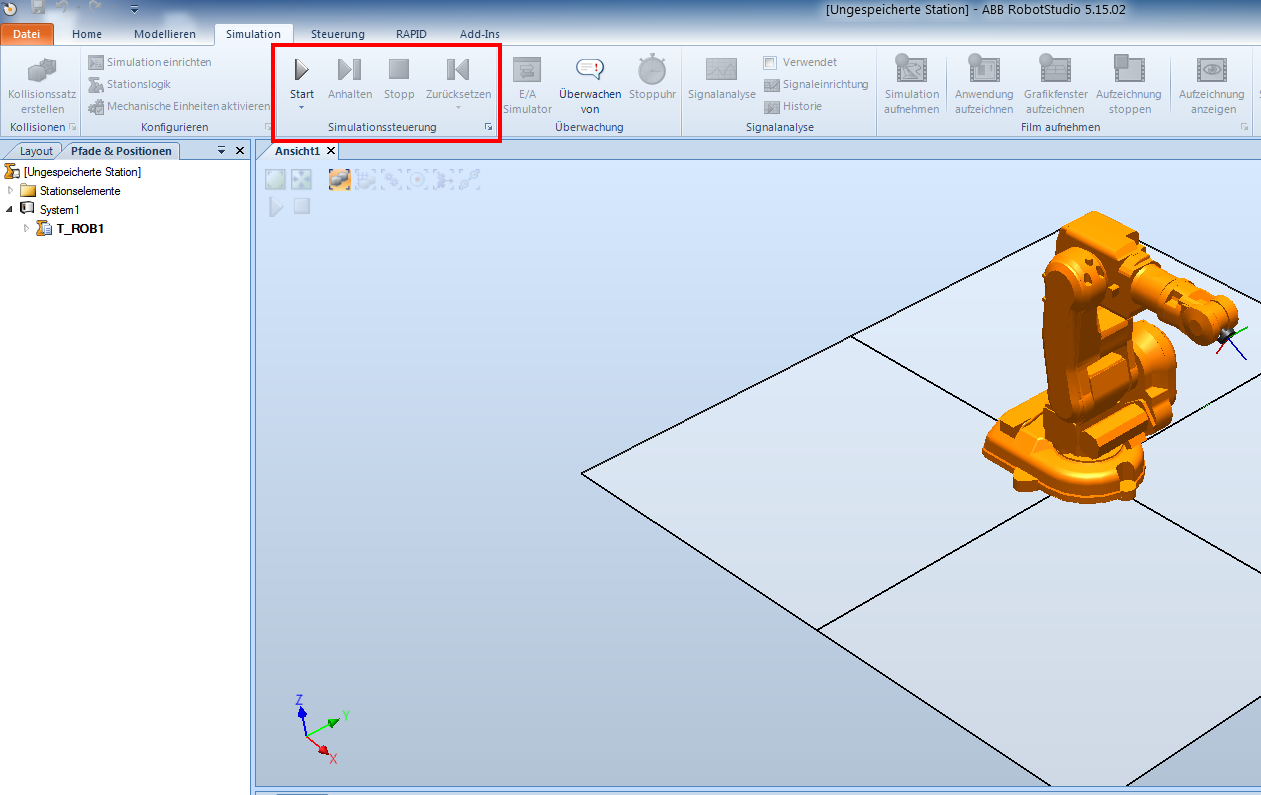
Under Simulation, the program execution is started.
\