SQL4automation Connector
Requirements
The SQL4automation Connector V5 runs as a service on Windows (XP and up) or Linux (Ubuntu).
The connection between PLC / robot control and the Connector is established via TCP/IP. The connection to the database is made via ODBC. This means the control system, connector and database must be able to communicate with each other via TCP/IP.
Topology
There are several options for arranging the connector and the database. See some installation possibilities below:
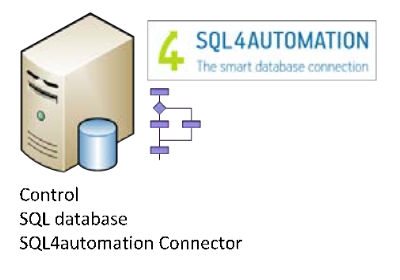
Stand-Alone System
Control system, SQL server and the SQL4automation Connector are installed on a PC or Control Panel-PC.
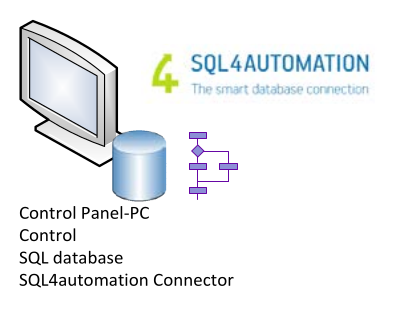
Separate SQL-Server
The SQL server and the SQL4automation Connector are installed on a PC or Control Panel-PC.
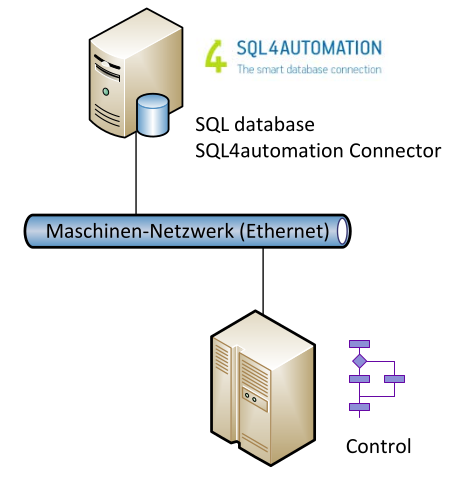
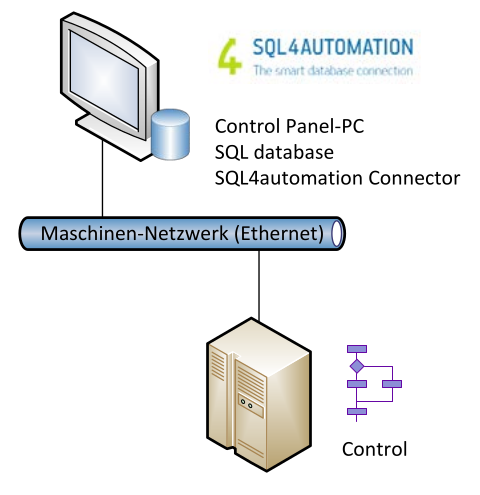
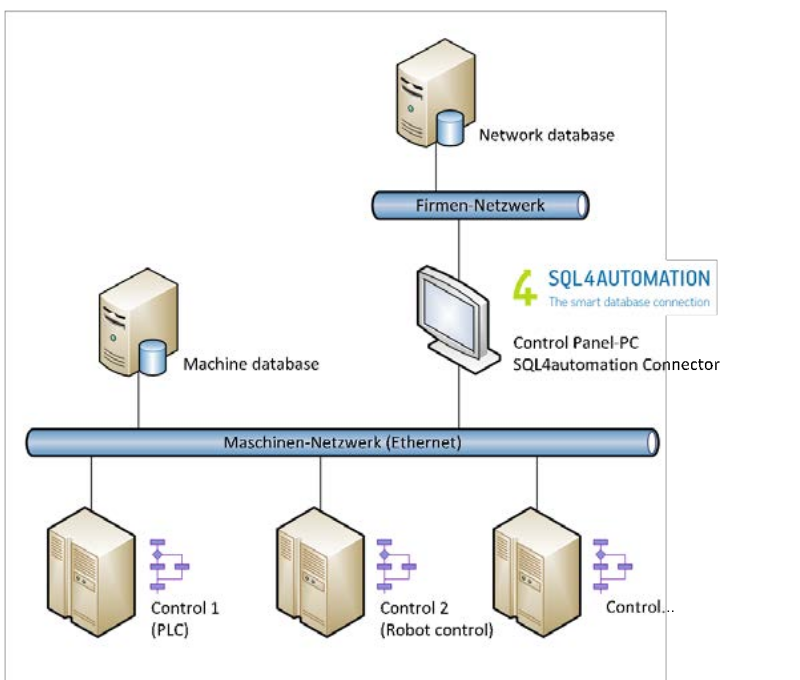
Separate Automation and Data Network (e.g. Company Network)
The SQL server is installed on a PC (e.g. Linux server) and connected to the data network. The control system is connected to the automation network. The SQL4automation Connector is installed on a second PC or Control Panel-PC. The connector interlinks both networks with each other. The networks can be protected with a firewall.