HORST / SQL4HORST
Target: "Standard"
Einrichtung Grafisch
Einfache Abfragen aus der Datenbank können in der grafischen Programmierung realisiert werden.
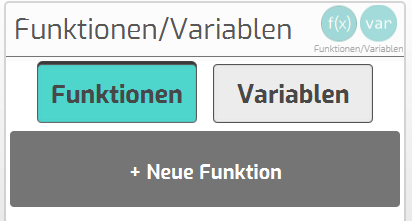
- Für jede Abfrage wird eine eigene Funktion angelegt:
- Neue Funktion anlegen
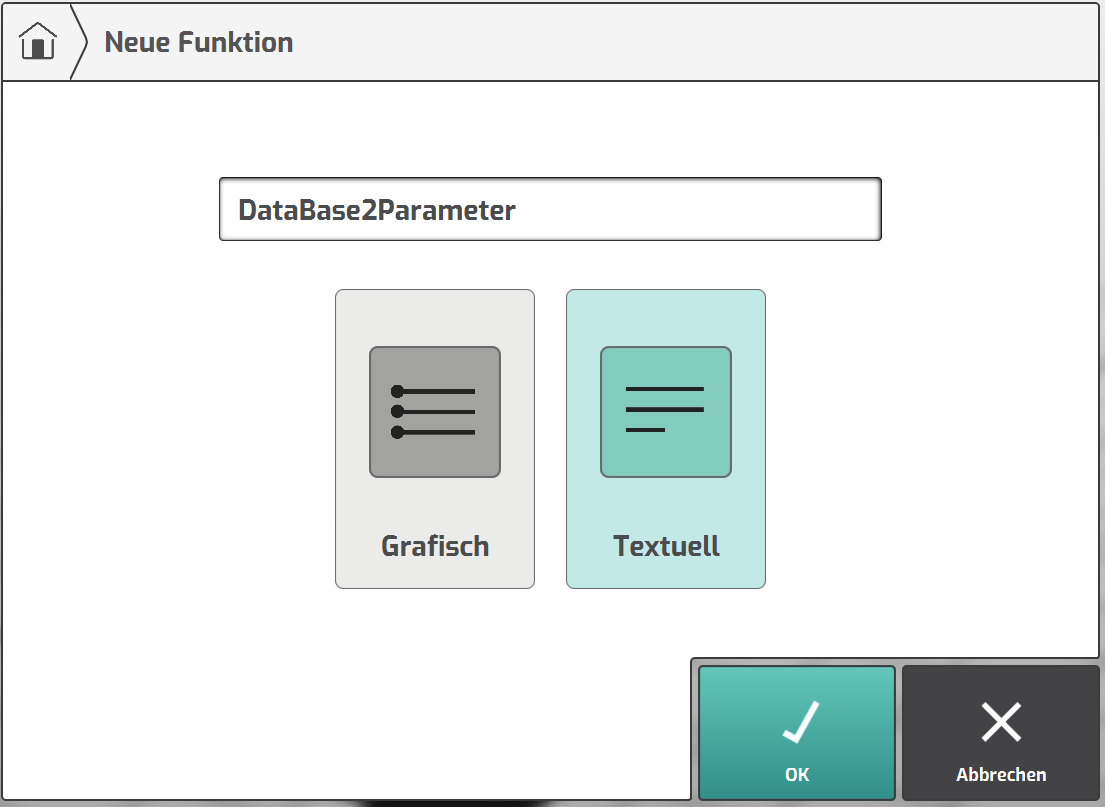
- Funktions-Name vergeben und „Textuell“ wählen
- Code-Schnipsel aus dem Beispiel-Projekt einfügen
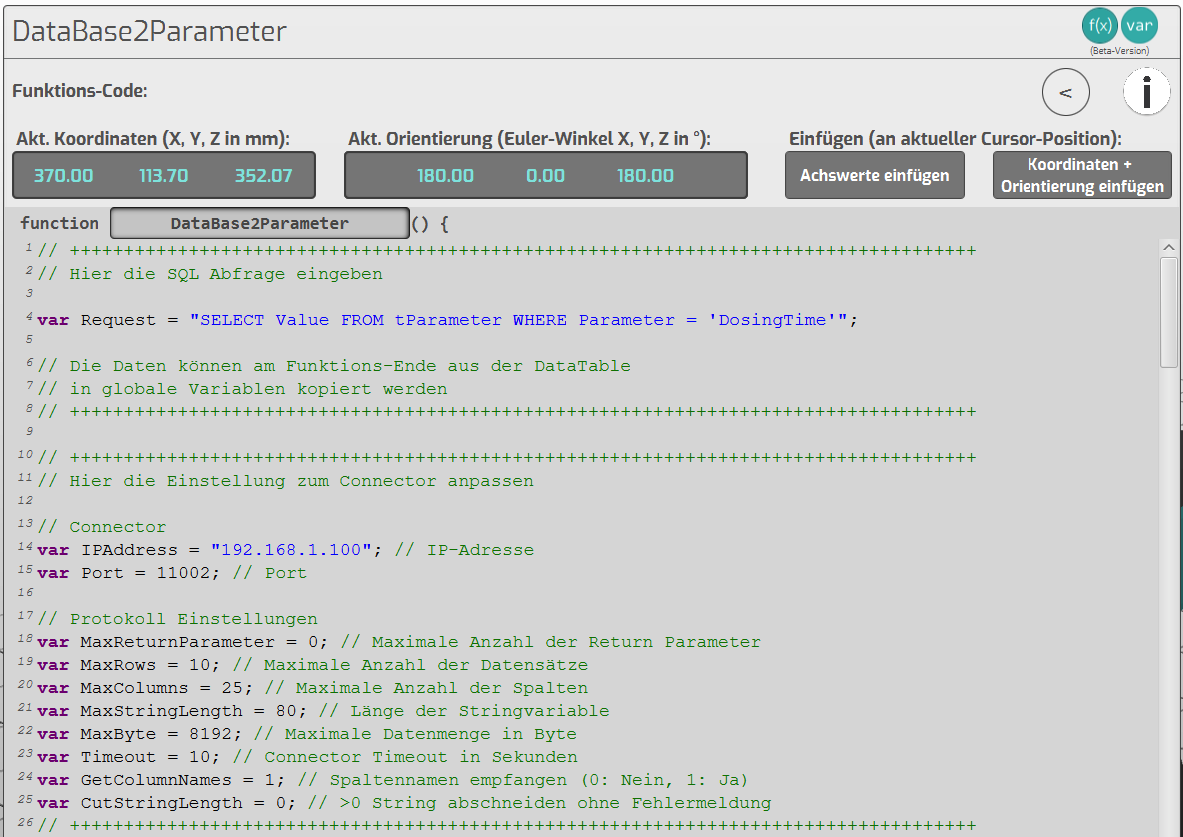
var Request Hier die SQL-Abfrage eingeben
var IPAddress IP-Adresse des Connector
var Port Port-Nummer des Connector-Links
- Nach der Abfrage stehen die Daten in Form einer Tabelle zur Verfügung.
Die Daten werden am Ende der Funktion (Zeile 270) in die gewünschten Variablen kopiert.
![DataTable[0..n][0..n] enthält die Daten der Abfrage. Der erste Index ist der Datensatz (Row)](/img/manual/image272.png)
DataTable[0..n][0..n] enthält die Daten der Abfrage. Der erste Index ist der Datensatz (Row),
der zweite Index die Spalte (Column).
Bsp.: DataTable[0][2] ist der Wert aus dem 1. Datensatz in der Spalte 3
- Variable für das Ziel anlegen:
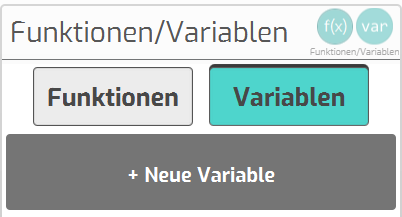
- Neue Variable anlegen
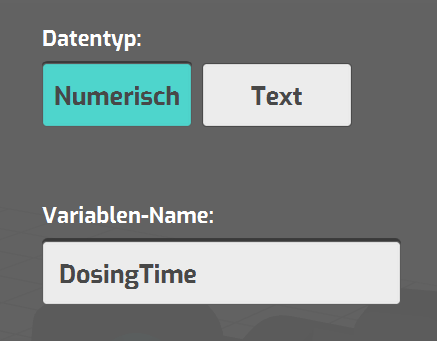
- Typ wählen und Name vergeben
- Datenbankabfrage im Programm aufrufen:
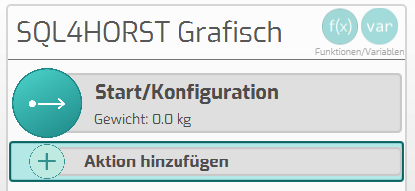
- Neue Aktion hinzufügen
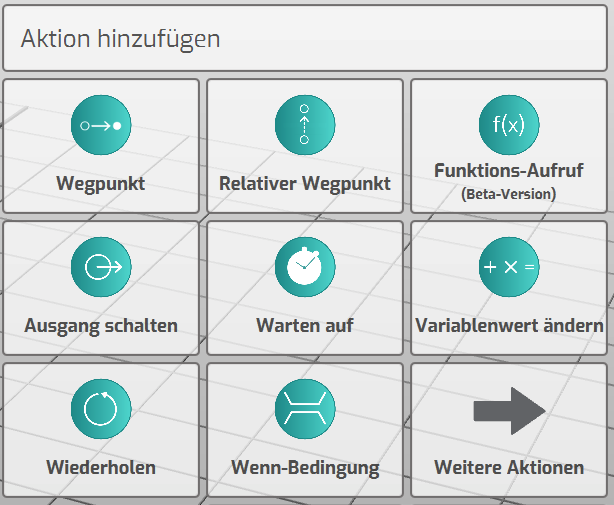
- „Funktions-Aufruf“ wählen
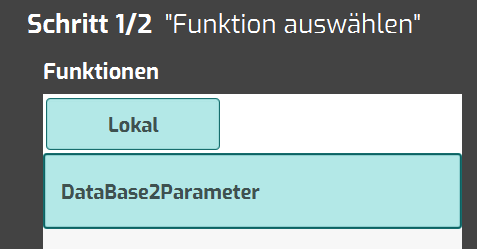
- Funktion auswählen und zum Programm hinzufügen
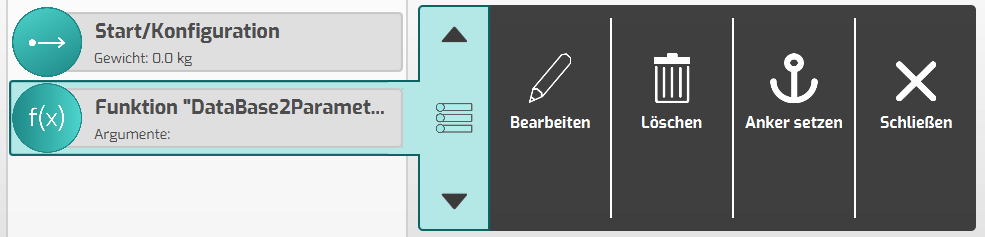
- Funktion an die richtige Stelle im Ablauf verschieben
- Programm starten:
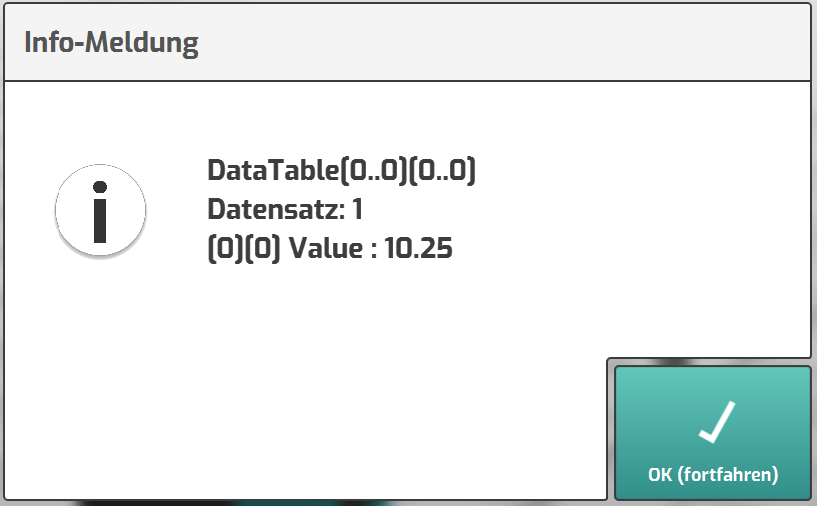
- Die Datenbankabfrage wird fehlerfrei ausgeführt
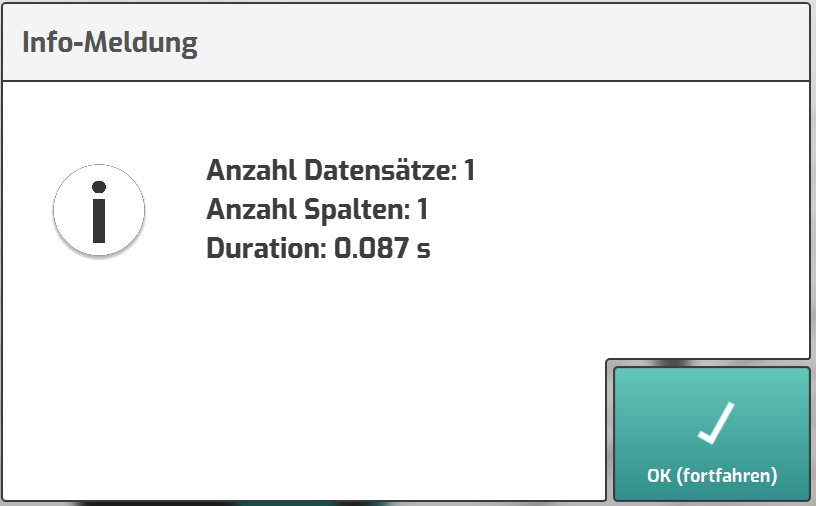
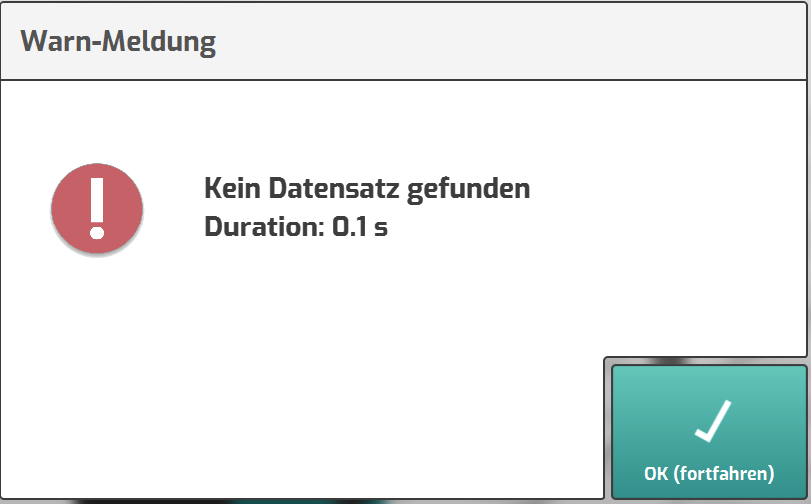
- Die Abfrage liefert keine Daten
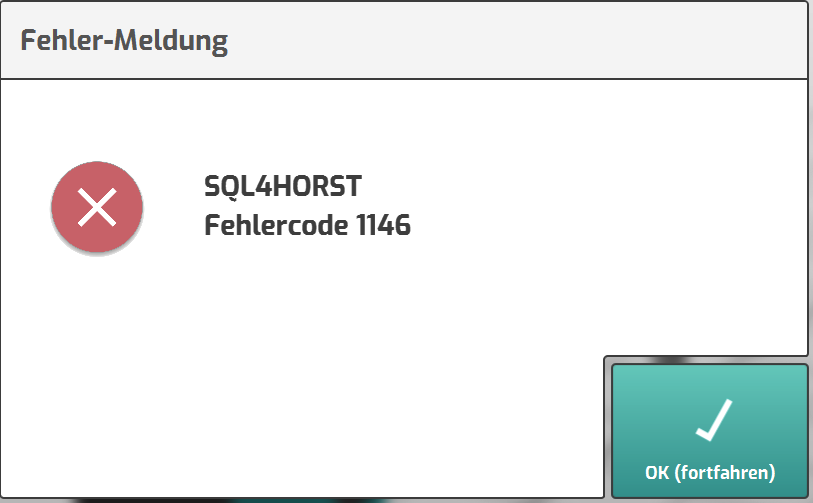
- Die Datenbankabfrage ist fehlerhaft
- Info-Meldungen ausblenden für den normalen Programmablauf
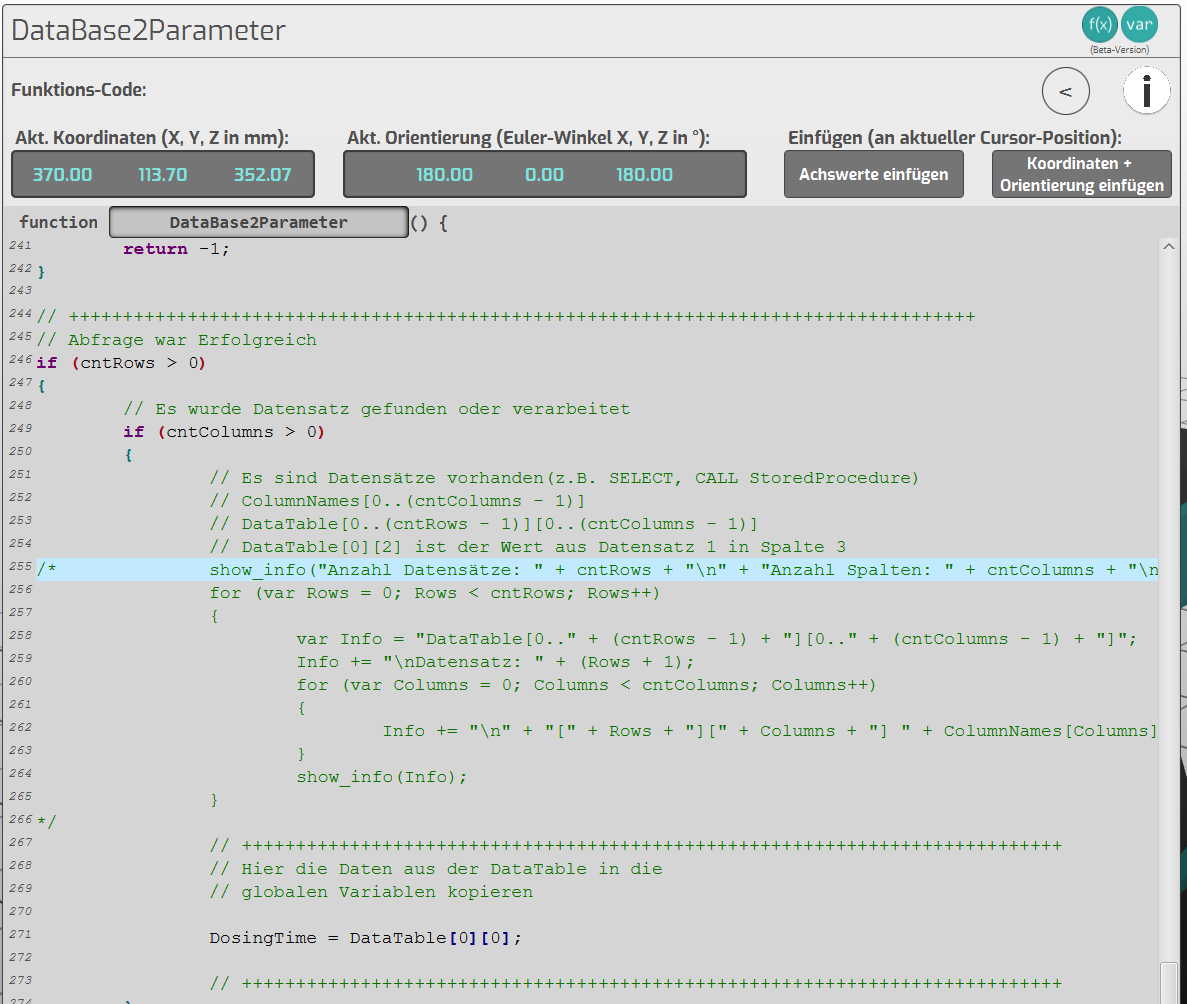
Die Zeilen in der Funktion helfen bei der Analyse der Datenbank-Abfrage.
Für den normalen Programmablauf können diese auskommentiert werden.
Alle weiteren Meldungen in der Funktion sollten aktiv bleiben, damit ein evtl. auftretendes
Fehlverhalten erkannt wird.
Einrichtung textuell
Für umfangreichere Abfragen aus der Datenbank empfiehlt es sich, das Programm im textuellen Mode zu erstellen.
- Code-Schnipsel aus dem Beispiel-Projekt in das Programm einfügen:
- Variablen am Anfang des Programms einfügen
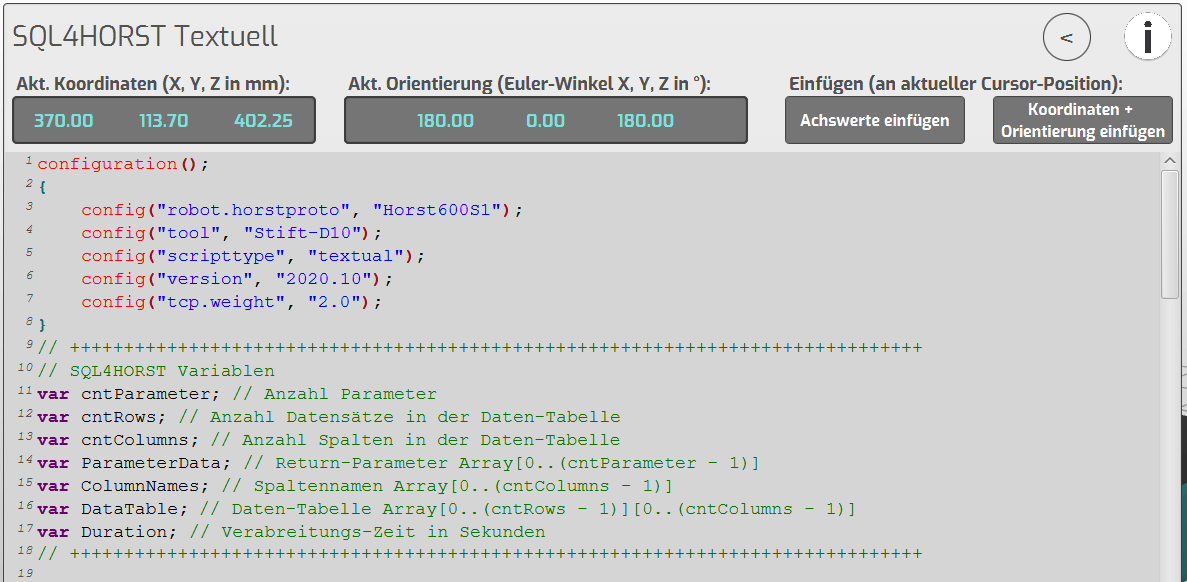
- Funktion SQL4HORST am Ende des Programms einfügen
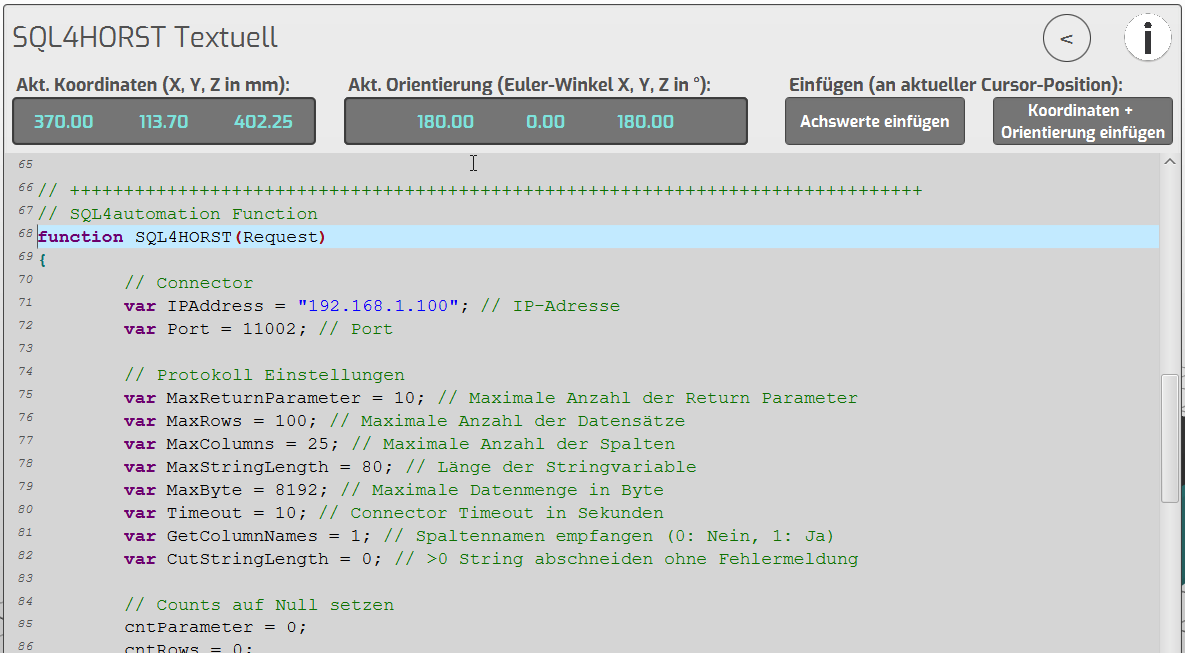
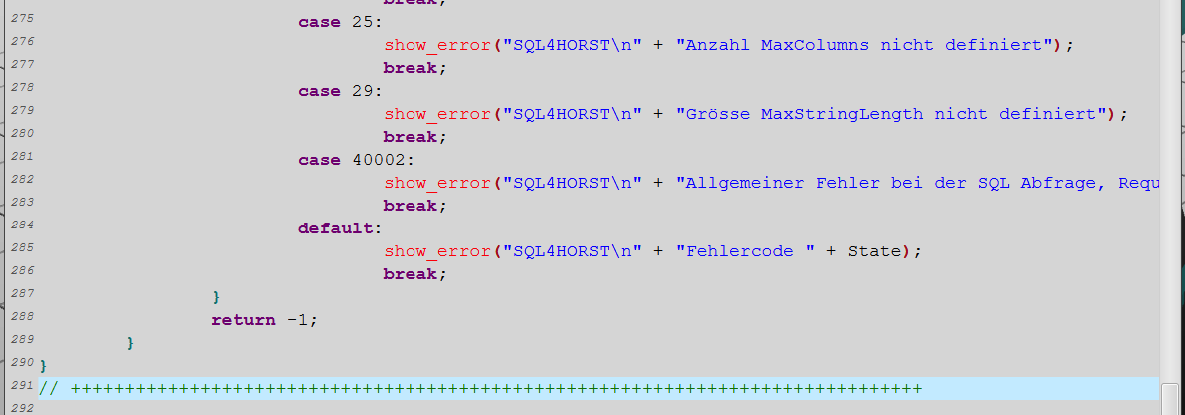
var IPAddress IP-Adresse des Connector
var Port Port-Nummer des Connector-Links
- Datenbankabfrage ausführen
- Datenbank-Aufruf an der gewünschten Stelle im Programm einfügen

Der Funktion beim Aufruf die SQL-Abfrage übergeben. Die Funktion liefert als Return
Informationen zur Abfrage.
- Return zur Abfrage auswerten
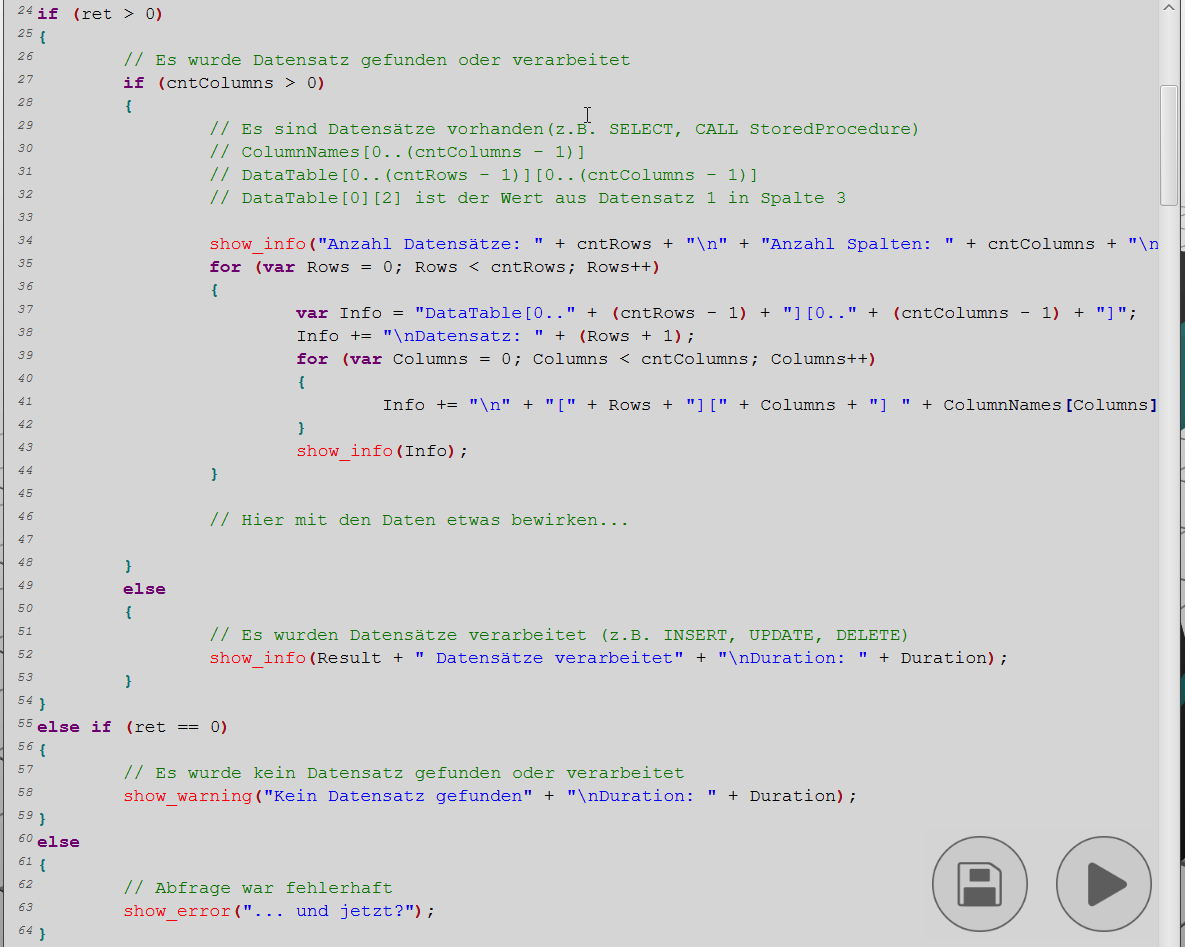
Nach der Abfrage stehen die Daten in Form einer Tabelle zur Verfügung.
DataTable[0..n][0..n] enthält die Daten der Abfrage. Der erste Index ist der Datensatz (Row),
der zweite Index die Spalte (Column).
Bsp.: DataTable[0][2] ist der Wert aus dem 1. Datensatz in der Spalte 3.
Die Daten bleiben in der DataTable solange gespeichert, bis eine neue Abfrage ausgeführt wird.
- Programm starten
- Die Datenbankabfrage wird fehlerfrei ausgeführt
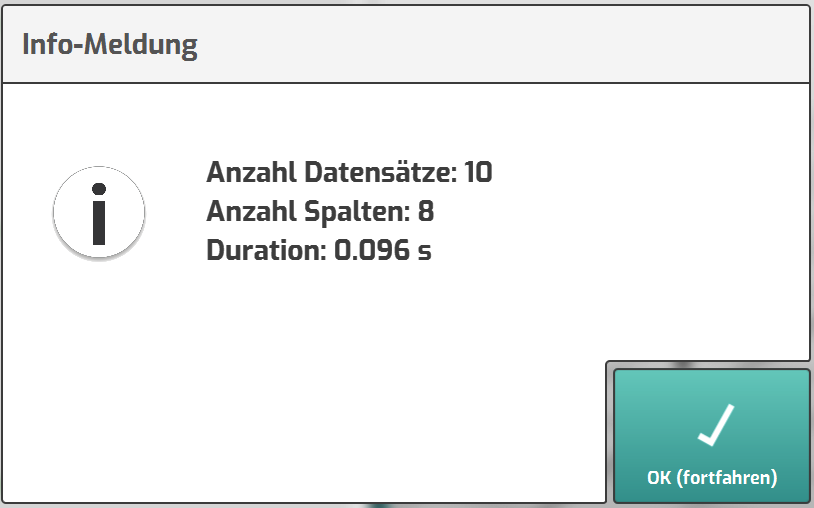
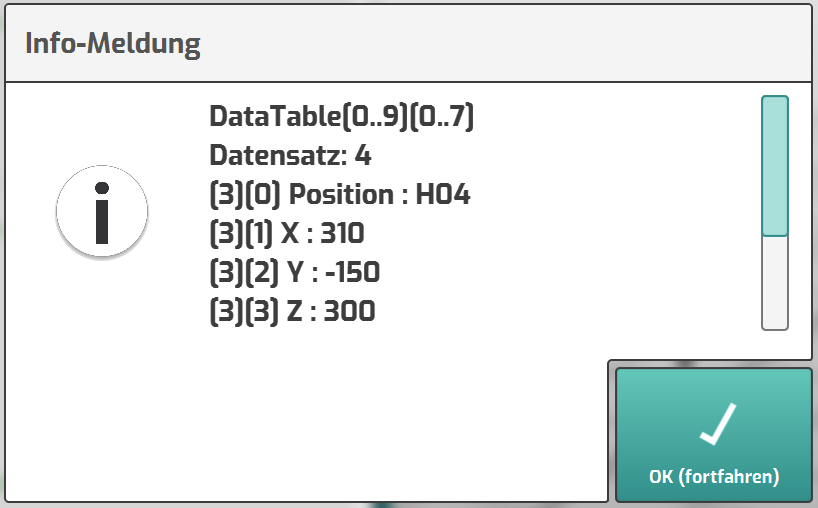
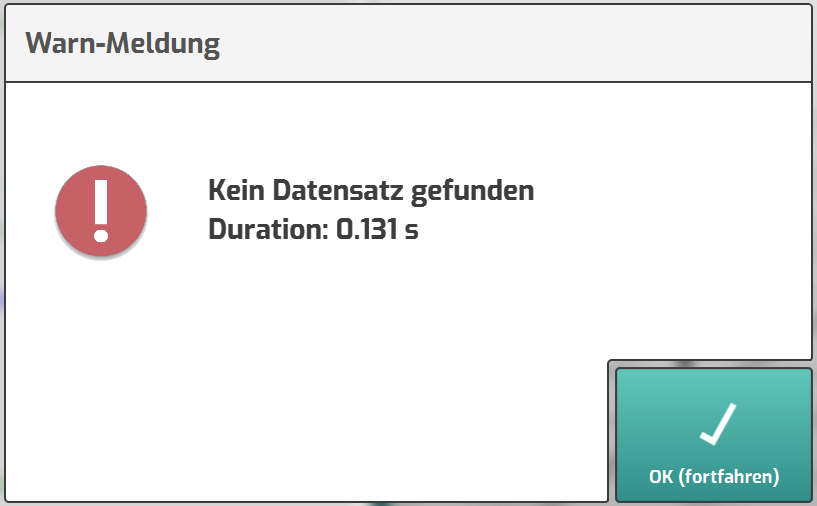
- Die Abfrage liefert keine Daten
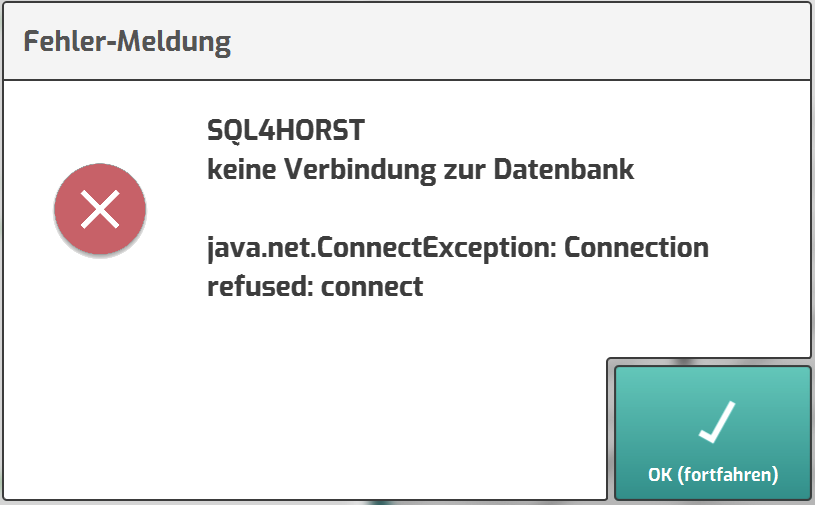
- Die Datenbankabfrage ist fehlerhaft
- Info-Meldungen ausblenden für den normalen Programmablauf
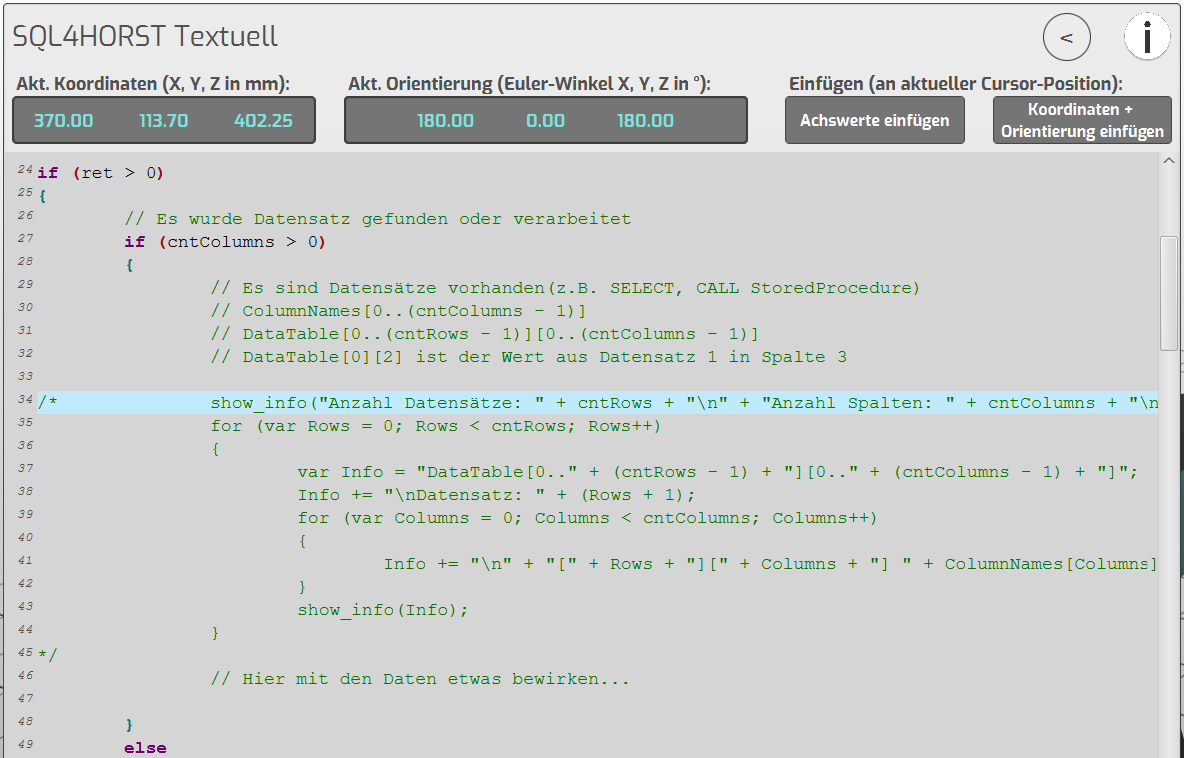
Die Zeilen in der Funktion helfen bei der Analyse der Datenbank-Abfrage.
Für den normalen Programmablauf können diese auskommentiert werden.
Alle weiteren Meldungen in der Funktion sollten aktiv bleiben, damit ein evtl. auftretendes
Fehlverhalten erkannt wird.
Beispiel-Projekt „SQL4HORST_MoveExample“
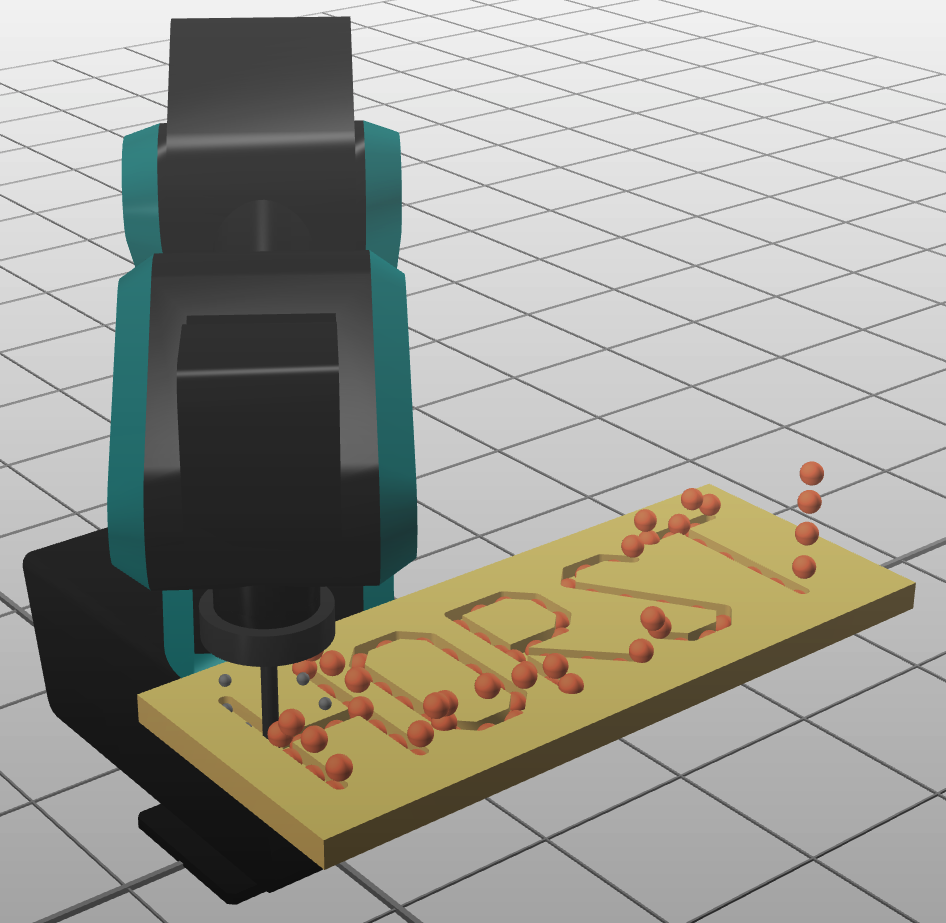
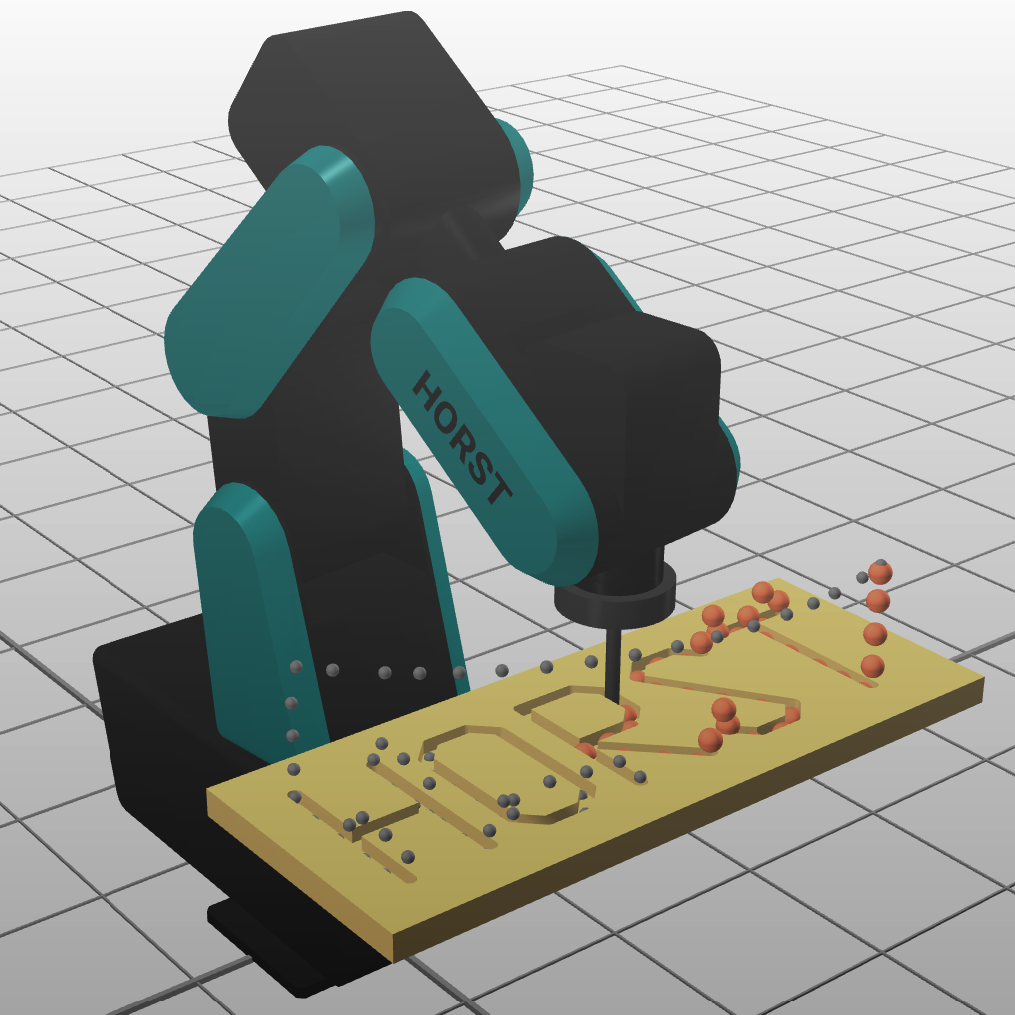
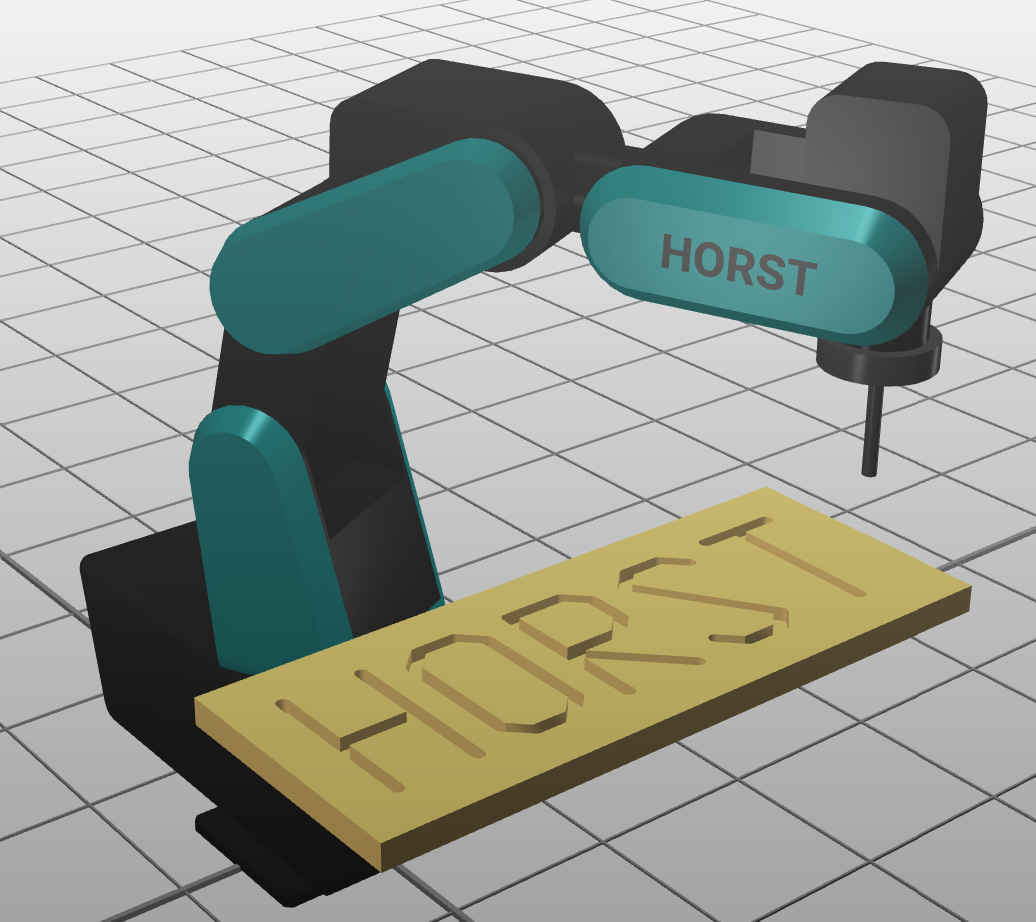
Das Beispiel-Programm SQL4HORST_MoveExample fährt eine Bahn mit beliebig vielen Positionen ab.
 |  |  |
|---|
Aufbau der Datenbank (MariaDB)
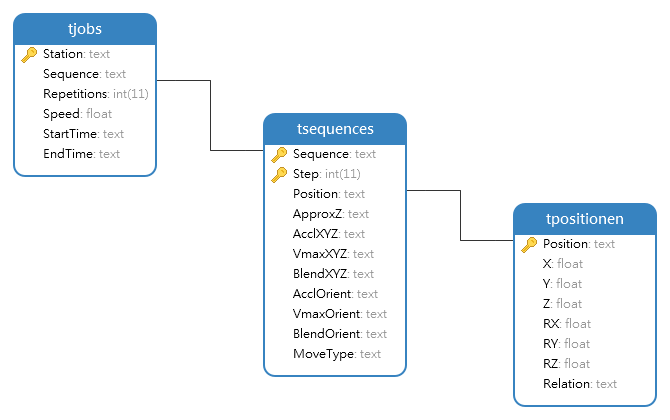
- Die Bahnpunkte sind in der Tabelle tPositionen angelegt.
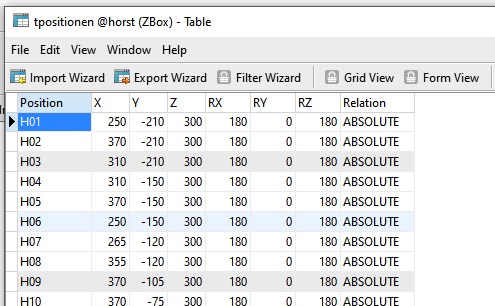
Jeder Bahnpunkt hat einen eindeutigen Namen (Position), die X/Y/Z Koordinaten (in mm) und die Euler-Winkel RX/RY/RZ (in Grad). Weiter ist definiert, in welcher Relation der Punkt steht (ABSOLUTE oder RELATIVE).
- Der Ablauf der Bewegung ist in der Tabelle tSequences angelegt.
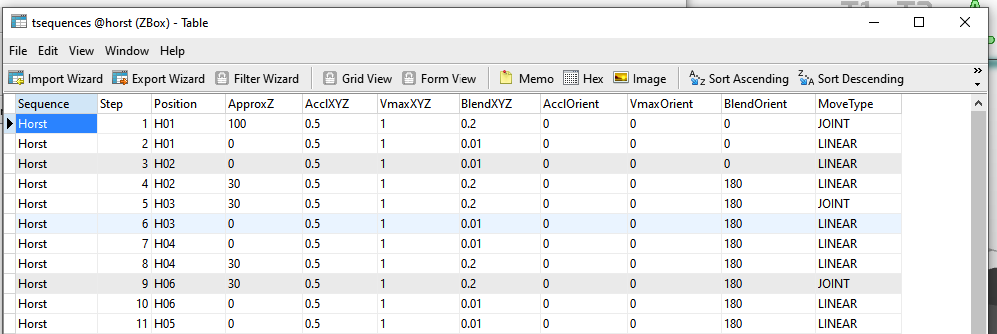
Ein Bewegungsablauf hat einen Namen (Sequence) und mehrere Schritte (Step). Pro Schritt wird die anzufahrende Position mit dem Namen aus der Tabelle tPositionen referenziert. Dabei kommen noch Informationen dazu wie die Offset-Position in Z-Richtung (ApproxZ), die Beschleunigung (Accl..), Geschwindigkeit (Vmax…) und das Überschleifen (Blend…) und die Art wie der Punkt angefahren wird (MoveType).
- Welcher Job ausgeführt wird, steht in der Tabelle tJobs.
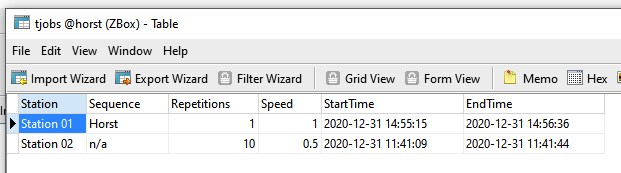
Jeder Roboter (Station) hat einen Job (Sequence). Mit Repetitions kann der Ablauf mehrmals ausgeführt werden. Zudem kann eine globale Geschwindigkeit (Speed) für den ganzen Ablauf festgelegt werden.
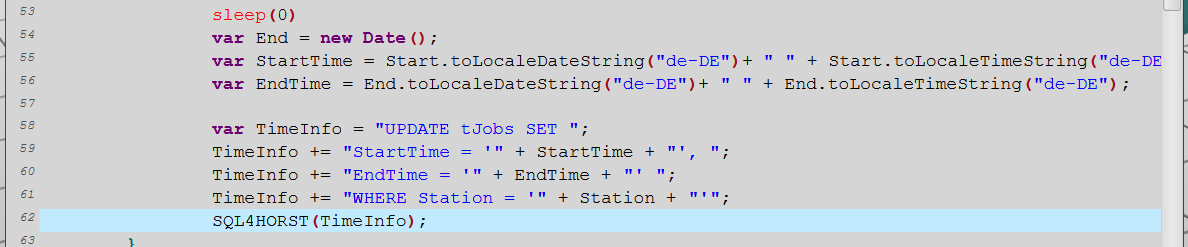
Der Roboter soll am Ende der Ausführung die Start-Zeit und End-Zeit für die Ausführung der Bewegung in die Tabelle eintragen.
- Ein wesentlicher Vorteil einer SQL-Datenbank ist u.a. die Möglichkeit, Prozeduren in der Datenbank anzulegen.
Referenz der drei Tabellen
Sortieren nach Step-Nummer
Filtern nach Station
Umrechnung von mm in Meter für HORST
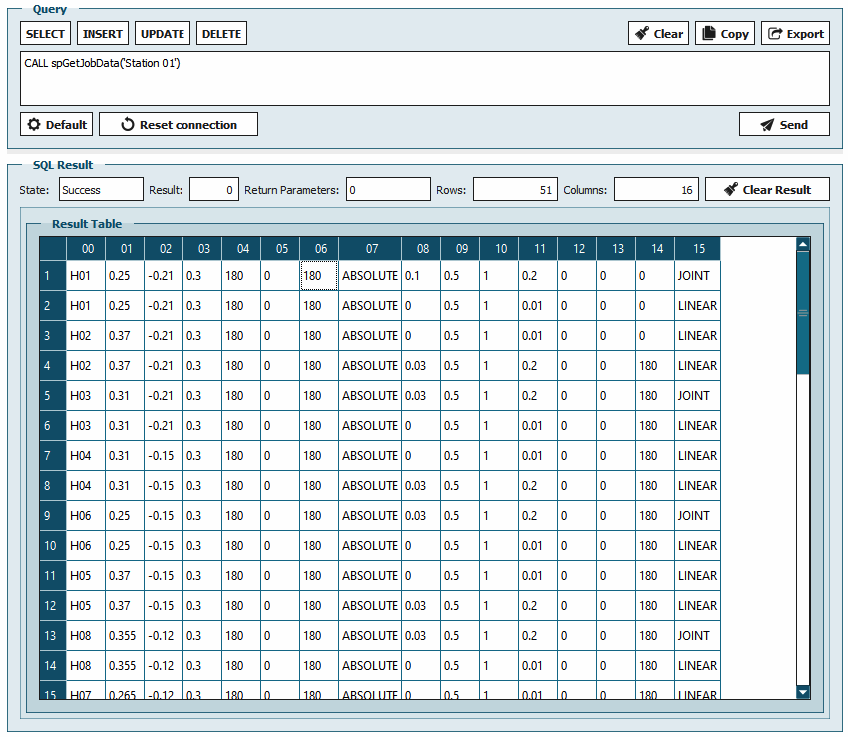
Die Prozedur spGetJobData liefert uns mit der Angabe der Station alle erforderlichen Informationen aus den drei Tabellen, zusammengefasst in eine Antwort.
Aufbau des Programms
-
Im ersten Teil sind die globalen Variablen angelegt.
-
Mit der Variable Station wird der Stations-Name des Roboters abgelegt, welcher mehrmals verwendet wird.
-
Die erste SQL-Abfrage ermittelt die Anzahl Repetitions und den Speed für den aktuellen Job.
Es wird genau 1 Datensatz erwartet
-
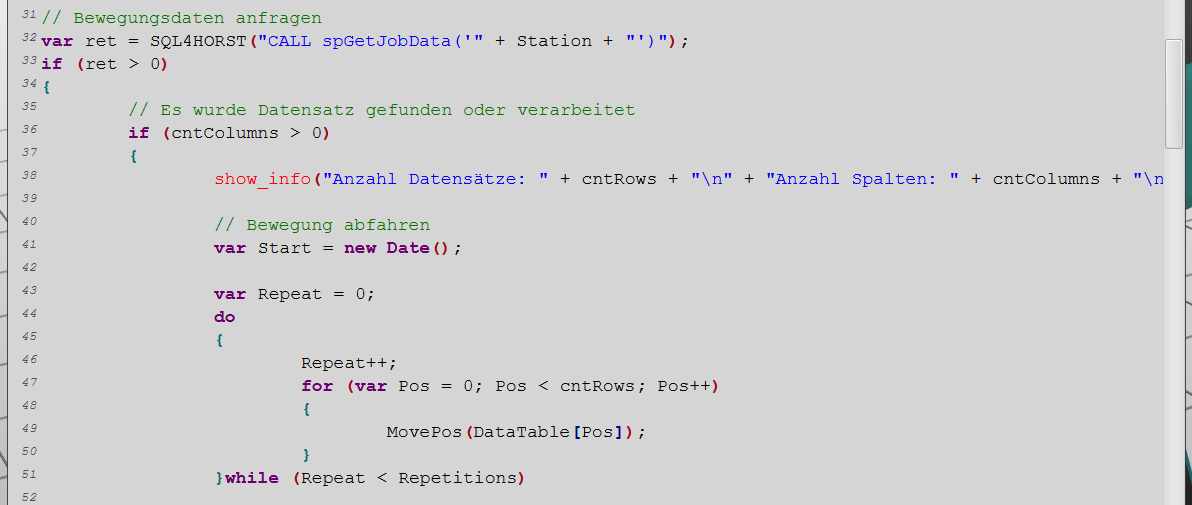
Die zweite Abfrage liest alle Bewegungsdaten für den aktuellen Job ein.
-
Sind Daten vorhanden, werden diese mit der Funktion MovePos in einer Wiederholschlaufe abgefahren.
- Der Funktion MovePos wird jeweils ein Datensatz übergeben
Verrechnung der Offset-Position in Z-Richtung
Spaltenwerte aus dem Datensatz mit Typ-Umwandlung
Geschwindigkeit aus der ersten Abfrage
Spaltenwerte aus dem Datensatz
-
Vor und nach der Bewegung wird das Datum und die Zeit gespeichert (var Start, var End).
-
Beide Zeiten werden formatiert und mit der dritten Abfrage in die Tabelle tJobs eingetragen.