ABB Robotics / SQL4Rapid
Target: "Standard"
SQL4Rapid besteht aus zwei Programmodulen. SQL4Rapid, der eigentliche Baustein, der die Verbindung an den SQL4automation Connector herstellt und main1, das Beispiel, wie man das SQL4Rapid Programmmodul einbindet.
Voraussetzungen
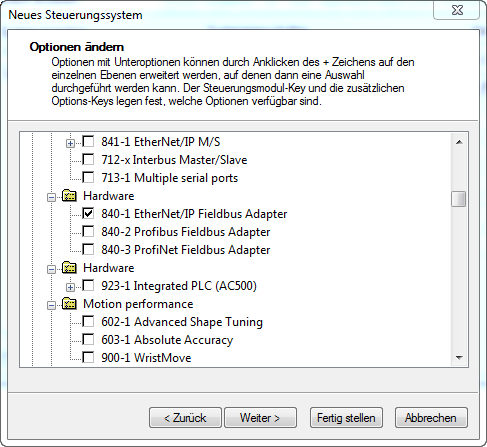
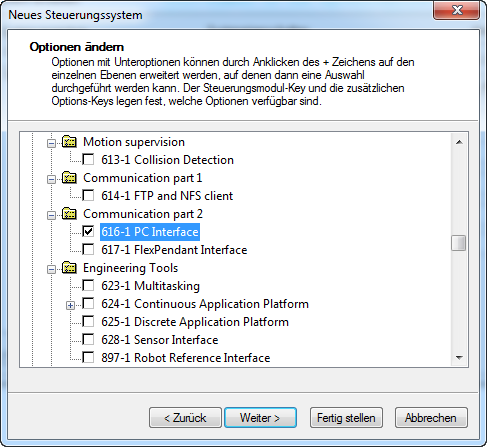
Die Robotersteuerung oder das Offlinesystem muss mit folgenden Optionen ausgestattet sein:
841-1 EtherNet /IP M/S
616-1 PC Interface.
Zu definierende Variablen
LOCAL CONST num nMaxRows:=50;                                      ! max Anzahl Datensätze, aus Table-Array
LOCAL CONST num nMaxColumns:=20;                                   ! max Anzahl Spalten, aus Table-Array
LOCAL VAR string strTableValues{nMaxRows,nMaxColumns};             ! Ergebnistabelle
LOCAL VAR string strColumnsName{nMaxColumns};                      ! Spaltennamen
LOCAL CONST num nBoundRequestArray:=10;                            ! Maximaler Index des Abfrage_String Arrays
LOCAL VAR string strRequest{nBoundRequestArray};                   ! Abfrage-String-Array
LOCAL VAR num nResultState;                                        ! Status / Fehlermeldung der Abfrage
LOCAL VAR num nResultRows;                                         ! Anzahl empfangene Datensätze
LOCAL VAR num nResultColumns;                                      ! Anzahl empfangene Spalten
LOCAL VAR string strIP:="127.0.0.1";                               ! Ip Adresse des Connectors
LOCAL VAR num nPort:=11001;                                        ! Port der Verbindung

LOCAL VAR bool xHoldConnection;                                   ! Erhält die Verbindung zwischen mehreren
                                                                  Abfragen aufrecht.
LOCAL VAR socketdev Socket;                                       ! Socket für die Verbindung
Beispielprojekt ausführen
Unter Steuerung – System erstellen, ein neues System mit den Optionen 840-1 EtherNet /IP M/S und 616-1 PC Interface erstellen. Eine neue Station erstellen und das erstellte System auswählen.
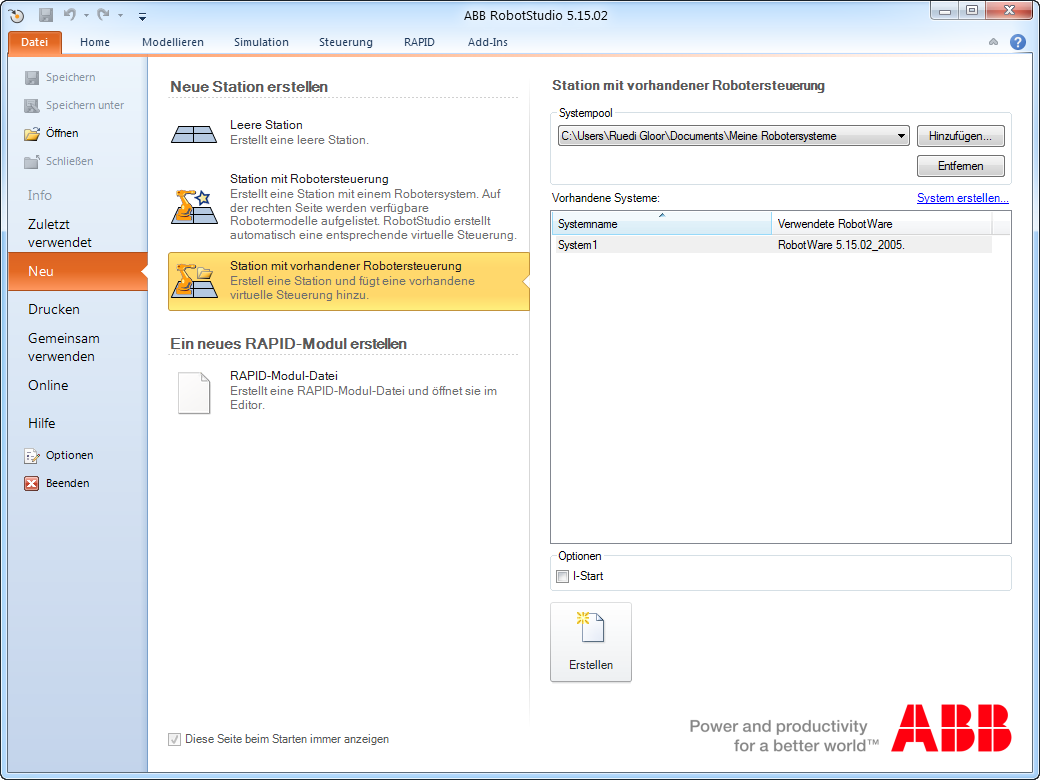
Unter Steuerung – Programmmodule die Module „main1“ und „SQL4Rapid“ hinzufügen.
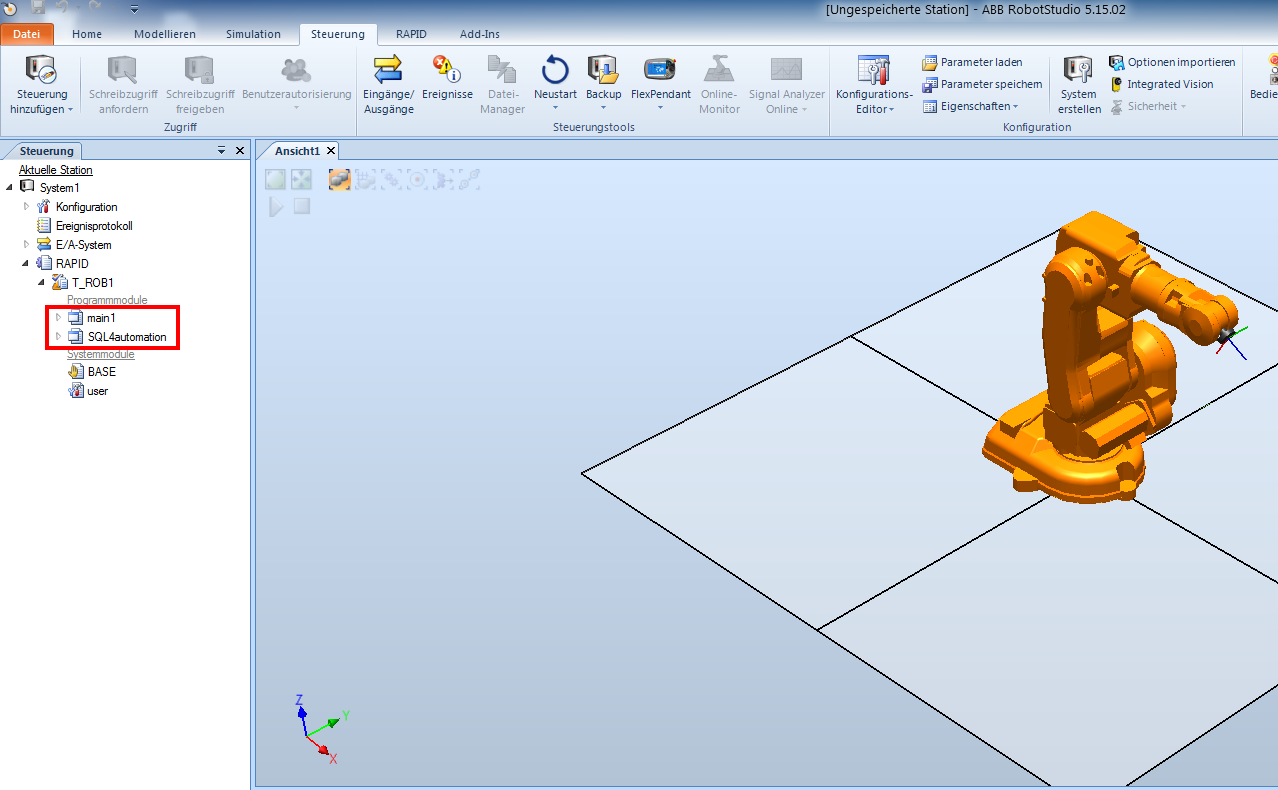
Den SQL4automation Connector wie unter Konfiguration SQL4automation Connector beschrieben konfigurieren und die Verbindung an die S4A_Test_DB.mdb einrichten. Wie die Verbindung zur Testdatenbank konfiguriert wird, ist unter Einrichten der Verbindung an die Testdatenbank beschrieben.
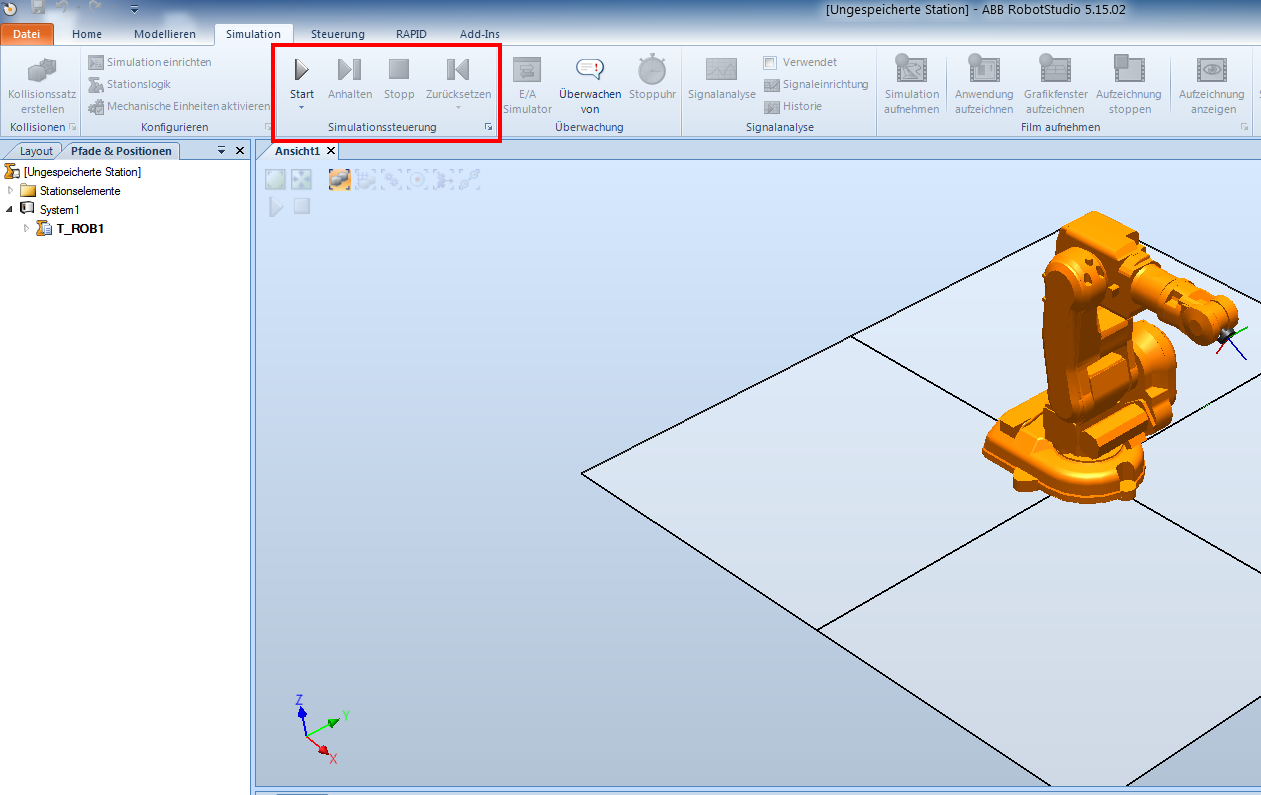
Unter Simulation wird der Programmablauf gestartet.