SQL4automation Connector
Voraussetzungen
Der SQL4automation Connector V5 läuft als Dienst auf Windows (ab XP) oder Linux (Ubuntu).
Die Verbindung zwischen SPS / Robotersteuerung und dem Connector ist über TCP/IP gelöst. Die Anbindung an die Datenbank funktioniert über ODBC. Das heißt, Steuerung, Connector und Datenbank müssen über TCP/IP miteinander kommunizieren können.
Topologie
Es gibt verschiedene Möglichkeiten, den Connector und die Datenbank im Netzwerk anzuordnen. Unten einige Installationsmöglichkeiten:
Stand-Alone System
Steuerung, SQL-Server und der SQL4automation Connector sind auf einem PC oder Bedienfeld-PC installiert.
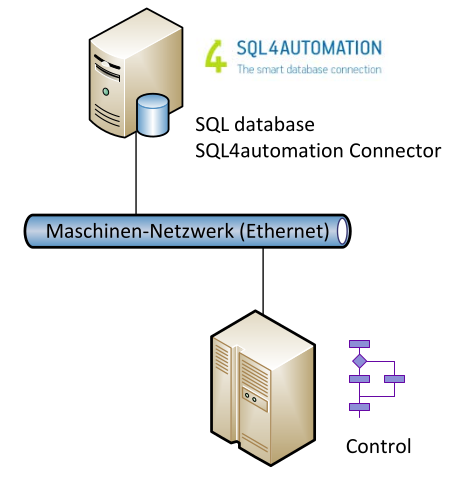
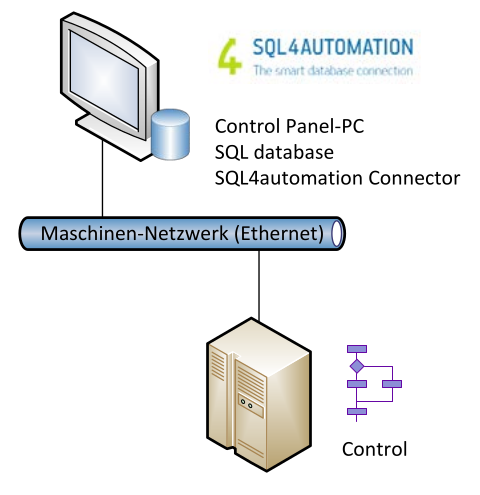
Separater SQL-Server
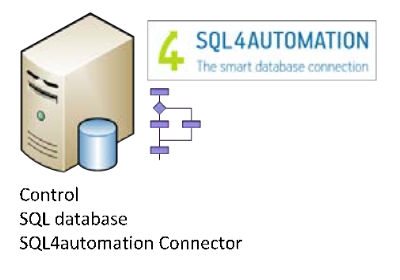
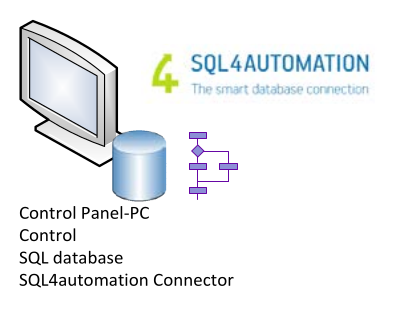
Der SQL-Server und der SQL4automation Connector sind auf einem PC oder Bedienfeld-PC installiert.
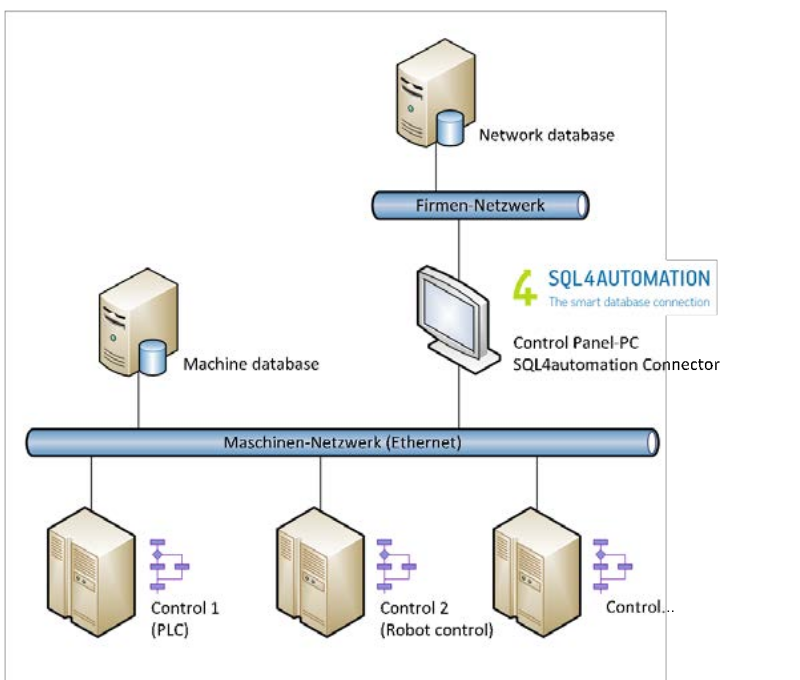
Separates Automatisierungs- und Datennetzwerk (z.B. Firmennetzwerk)
Der SQL-Server ist auf einem PC (z.B. Linux-Server) installiert und am Datennetzwerk angeschlossen. Die Steuerung ist am Automatisierungsnetzwerk angeschlossen. Der SQL4automation Connector ist auf einem zweiten PC oder Bedienfeld-PC installiert. Der Connector übernimmt die Verbindung zwischen den beiden Netzwerken. Die Netzwerke können mit einer Firewall geschützt werden.