Config Tool
Das Config Tool wird für die Konfiguration des SQL4automation Connectors verwendet. Die Verbindung zwischen Config Tool und Connector wird über TCP/IP hergestellt. Falls sich Config Tool und Connector auf demselben PC befinden, kann die Verbindung über localhost hergestellt werden, andernfalls muss ein neuer Host eingerichtet werden.
Verbinden auf den Connector
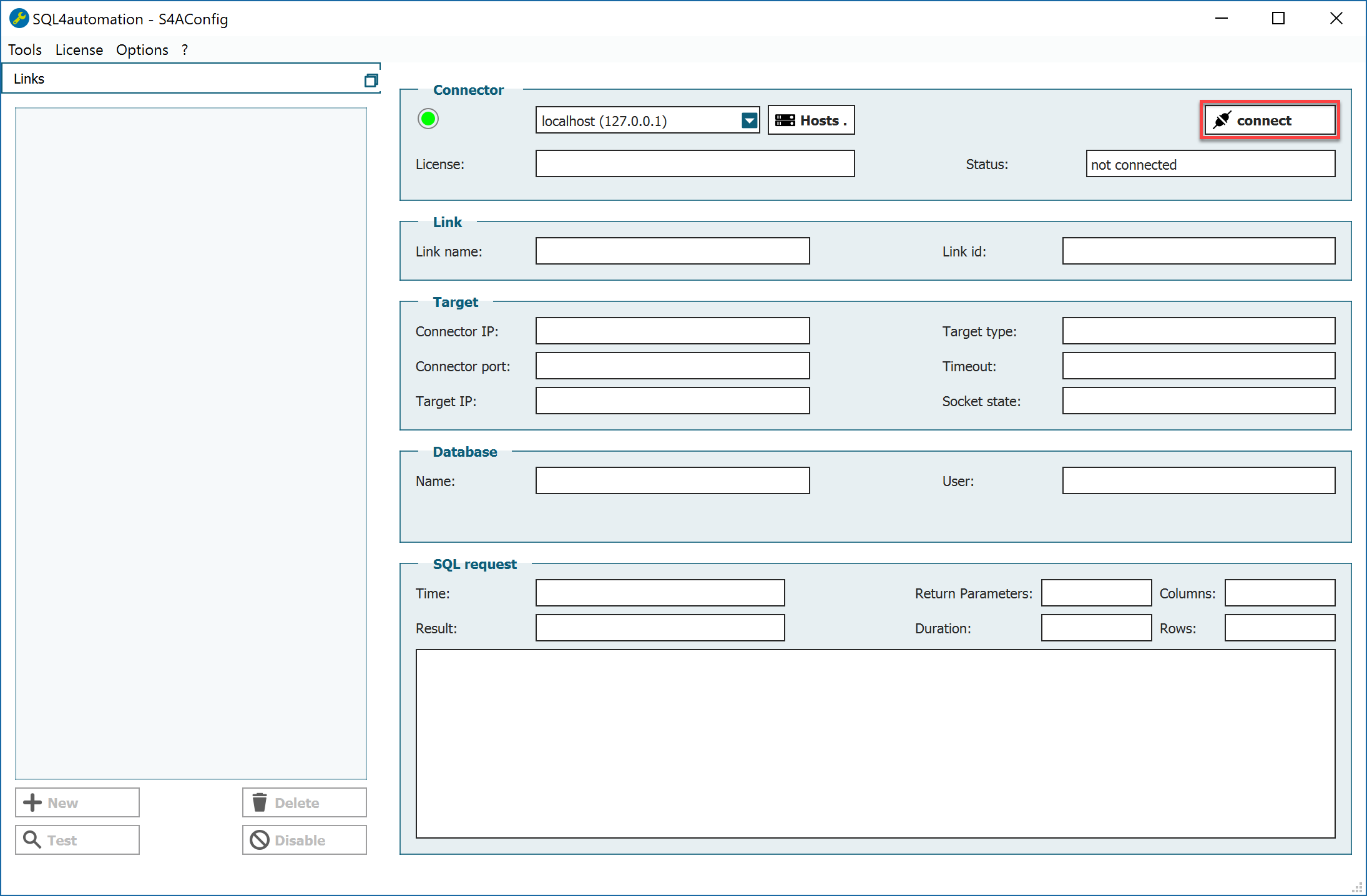
Falls sich Connector und Query Tool auf demselben PC befinden, kann die Verbindung sofort mit dem Button „Connect“ hergestellt werden.
Einrichten eines neuen Hosts und Verbinden auf den Connector
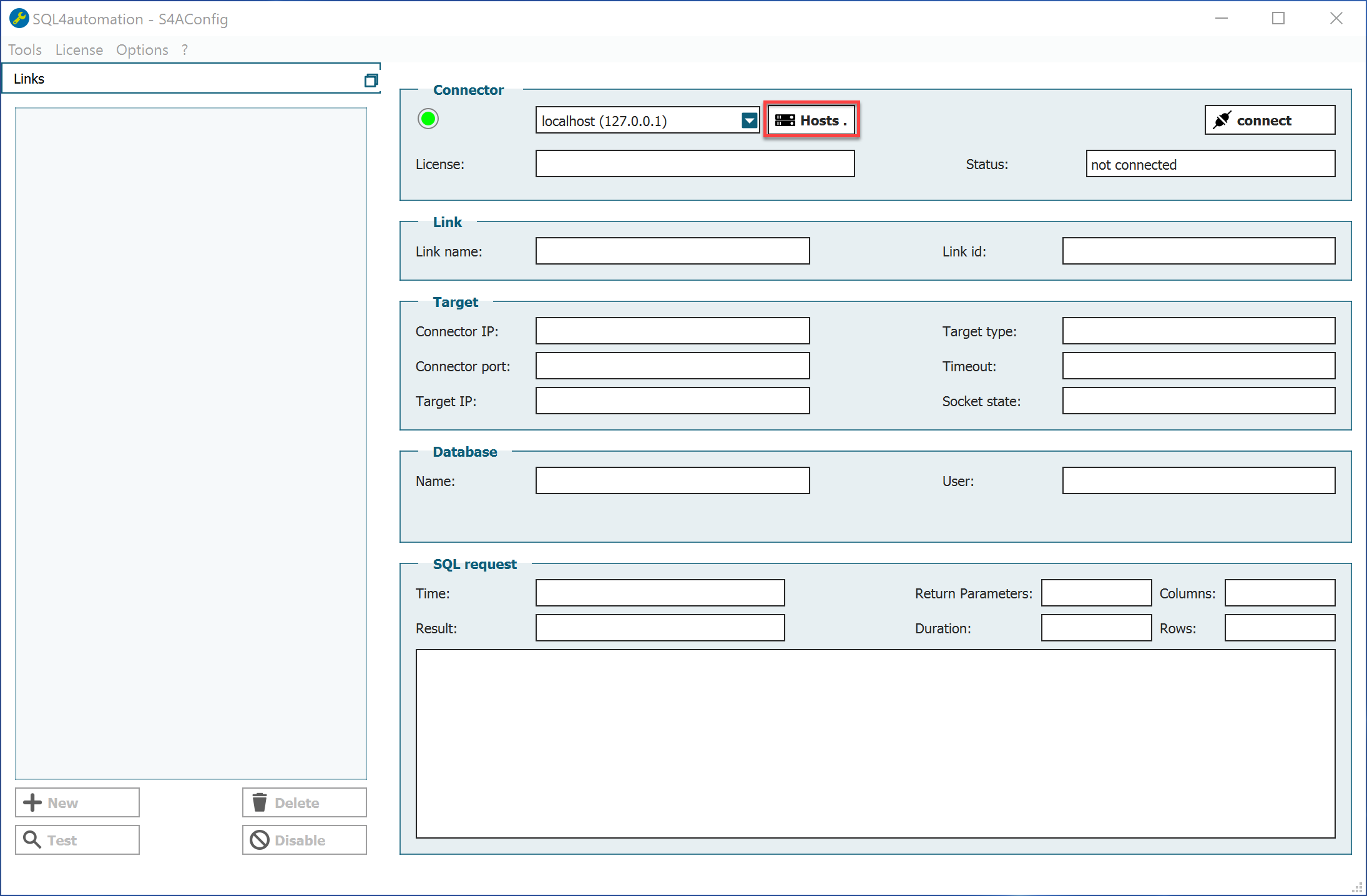
Über den Button „Hosts“ kann ein neuer Host eingerichtet werden.
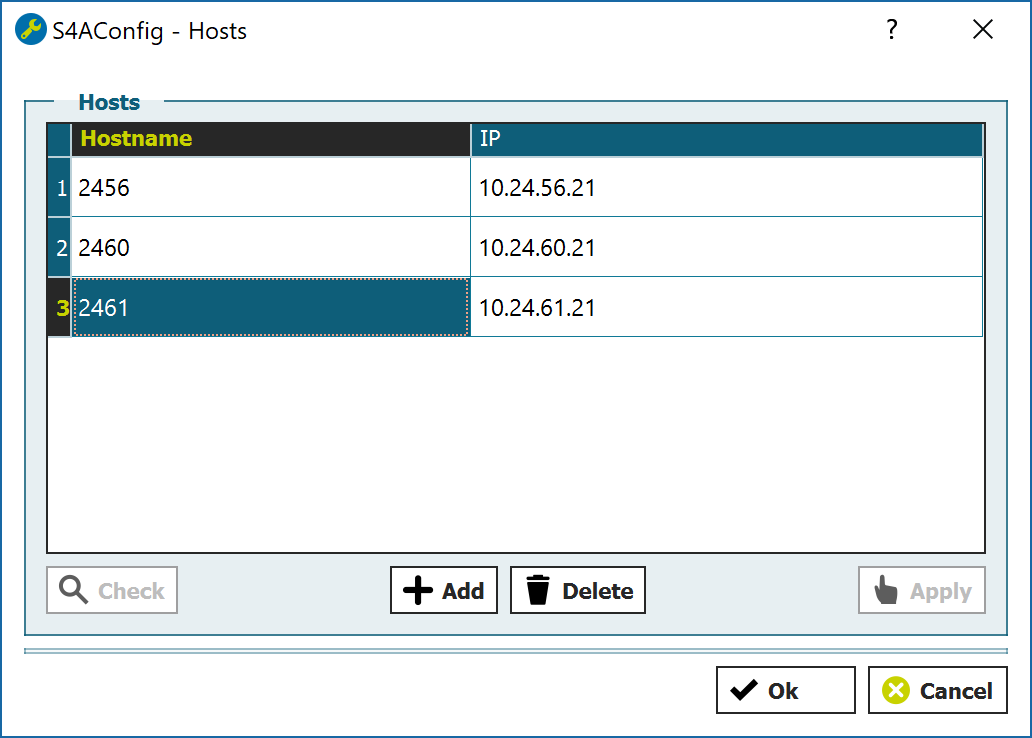
Der Verbindung kann ein Name und eine IP-Adresse vergeben werden.
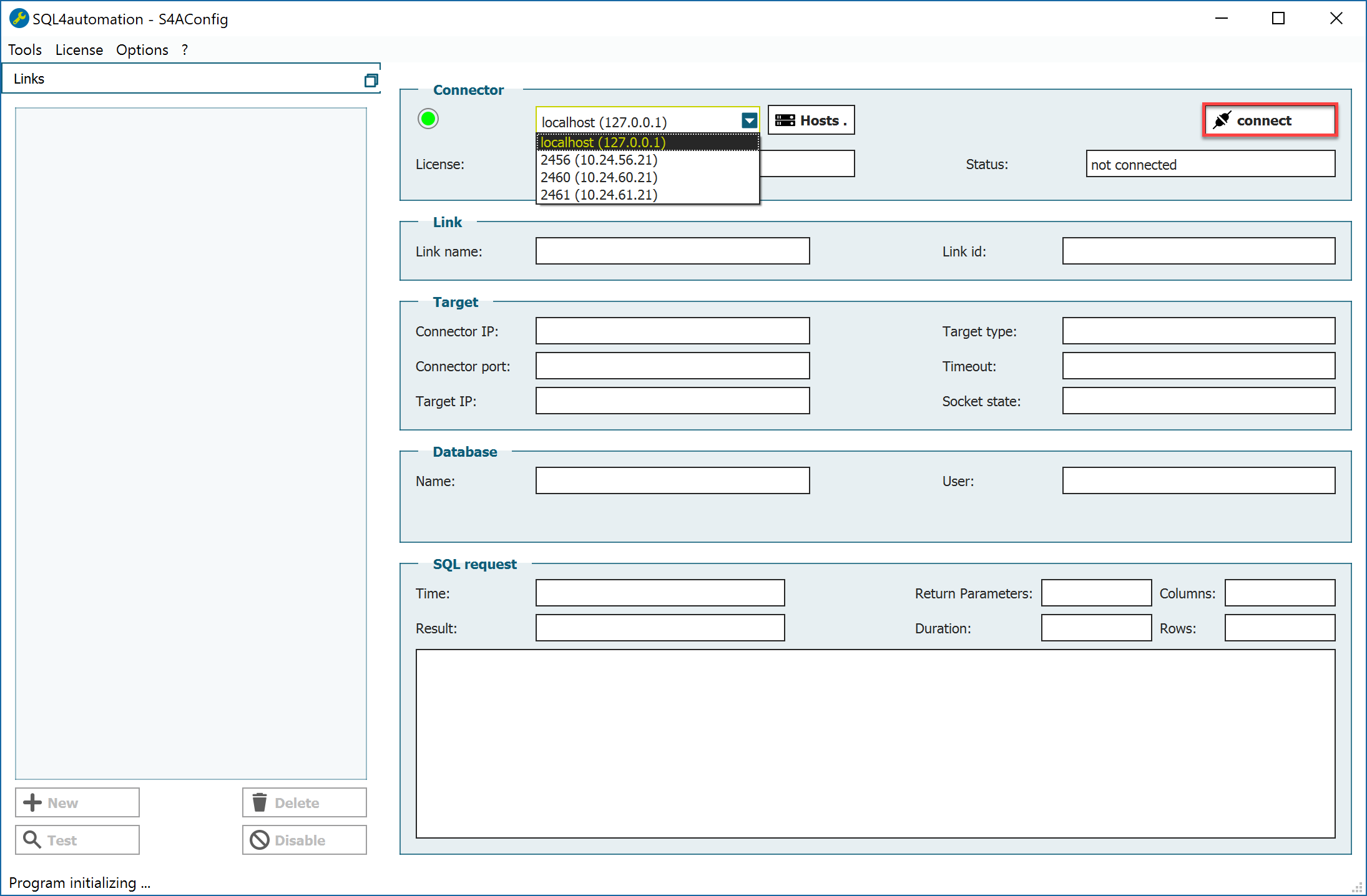
Über den Button „Connect“ wird die Verbindung zum Connector hergestellt.
Hauptfenster Config Tool
Im Hauptfenster des Config Tools werden auf der linken Seite die einzelnen Verbindungen, die sogenannten Links, angezeigt. Jeder Link verbindet eine Steuerung mit einer Datenbank. Eine Steuerung kann aber auch mehrere Links verwenden.
Auf der rechten Seite werden die Informationen zu den einzelnen Links angezeigt.
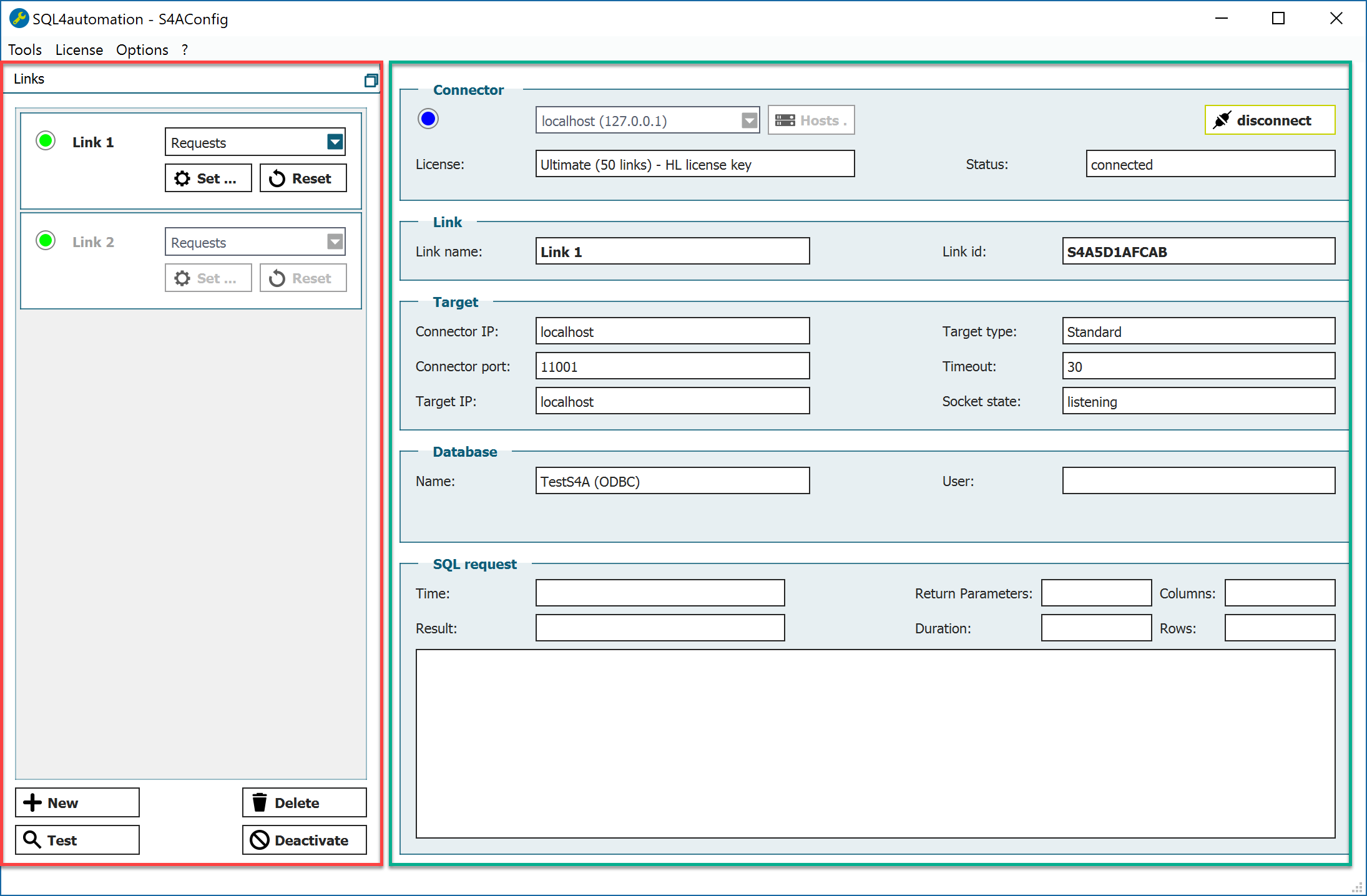
Die LED zeigt den Zustand jedes Links an.
Der Link hat folgende Zustände (auch sichtbar, wenn er nicht angewählt ist):
- Violett — Der Link ist konfiguriert, jedoch ist keine gültige Lizenz vorhanden und die Testlizenz nicht aktiviert
- Rot — Der Link ist konfiguriert, aber noch nicht verfügbar (Verbindungsaufbau zur Datenbank oder Fehler anstehend).
- Grün — Der Link ist bereit für eine Verbindung
- Blau — Der Link ist aktiv mit einer Steuerung verbunden
- Grau — Der Link ist im Verbindungsauf- oder -abbau
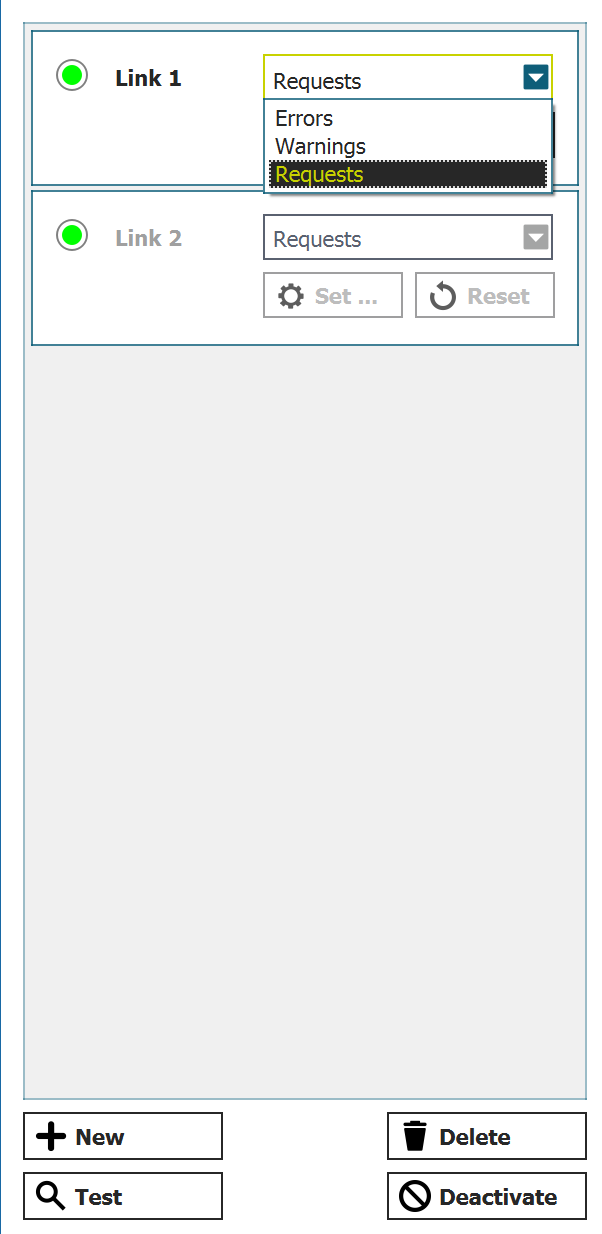
Die Linkeinstellungen können mit „Set“ verändert werden, „Reset“ setzt eine bestehende Verbindung zurück. Außerdem kann pro Link eingestellt werden, welche Meldungen im Debugger eingetragen werden. Zur Auswahl stehen:
- Errors — Nur Fehlermeldungen
- Warnings — Fehlermeldungen und Warnungen
- Queries — Fehlermeldungen, Warnungen und jede Abfrage
Durch den Button „New“ können neue Verbindungen erstellt, durch „Delete“ bestehende gelöscht werden. „Test“ testet eine Verbindung. „Deactivate“ deaktiviert eine Verbindung.